Calendar
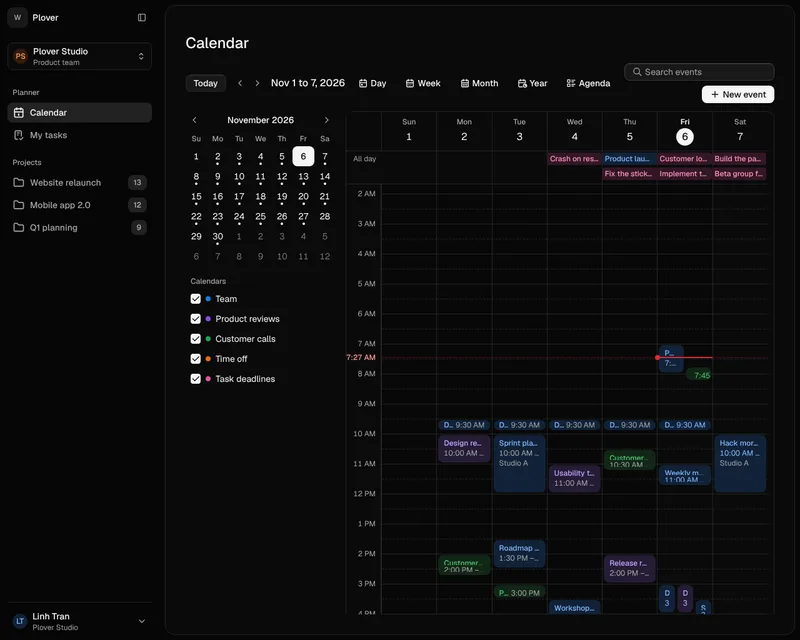
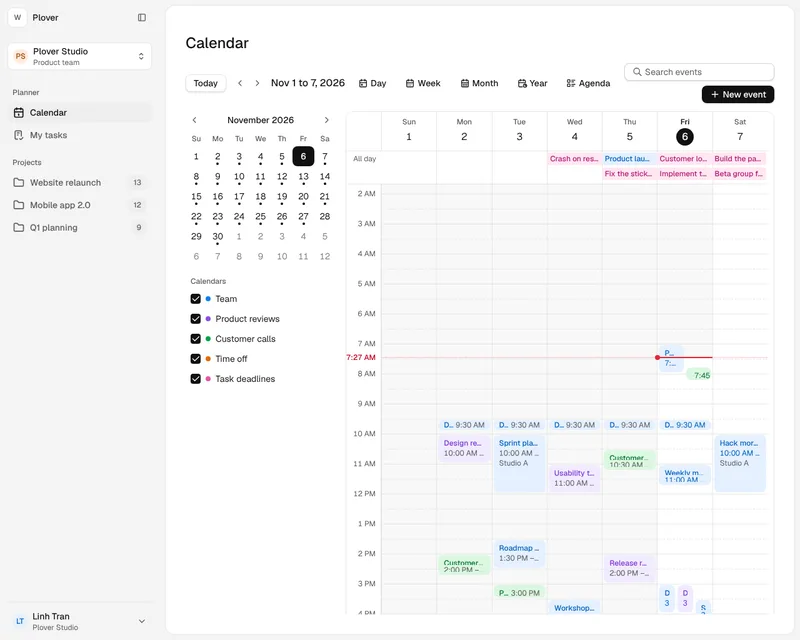
Day, week, month, year and agenda views with a live current-time line, drag to create, move and resize, and a Sheet for one event.
Whole screens built from free Werewolf components. Your agent installs one and plugs in your data.
Your request to the agent: Add a cash health screen for our studio: money in and out, and the bills to approve.
The command it runs: npx werewolf-ui add @werewolf-pro/cash-healthA real screen from the library, in light and dark.
Open Cash health in the libraryWhole screens to start an app, blocks to drop into a page you already have, and effects for the pages that sell it.
Day, week, month, year and agenda views with a live current-time line, drag to create, move and resize, and a Sheet for one event.
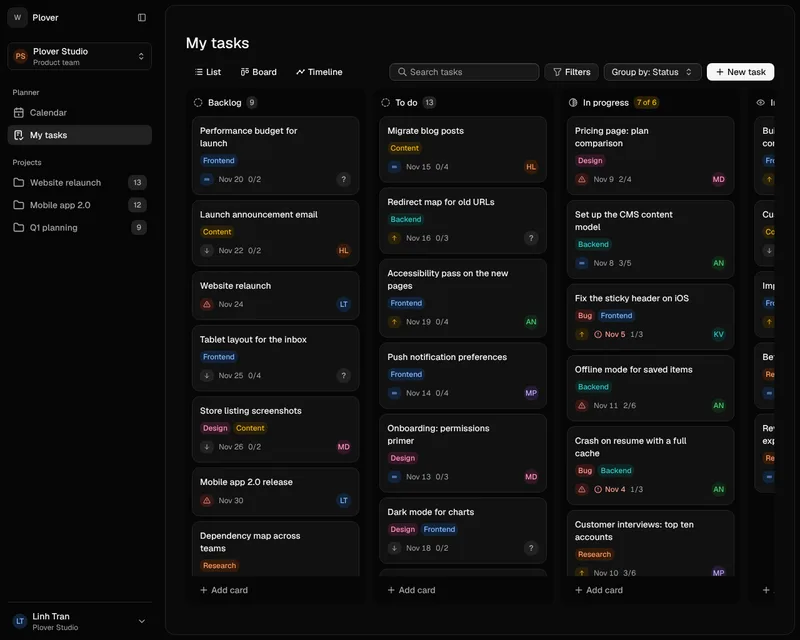
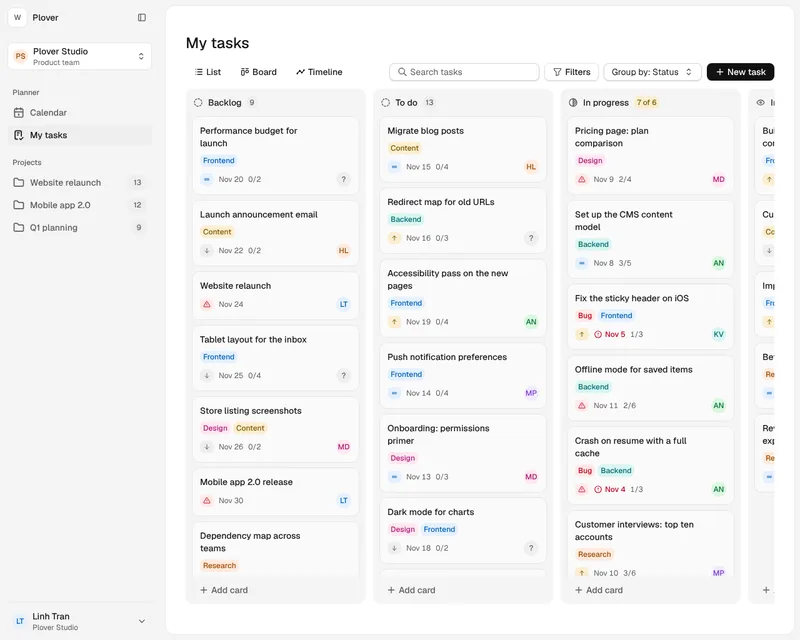
List, kanban board and Gantt timeline over one set of tasks, with drag between columns, dependencies and Undo.
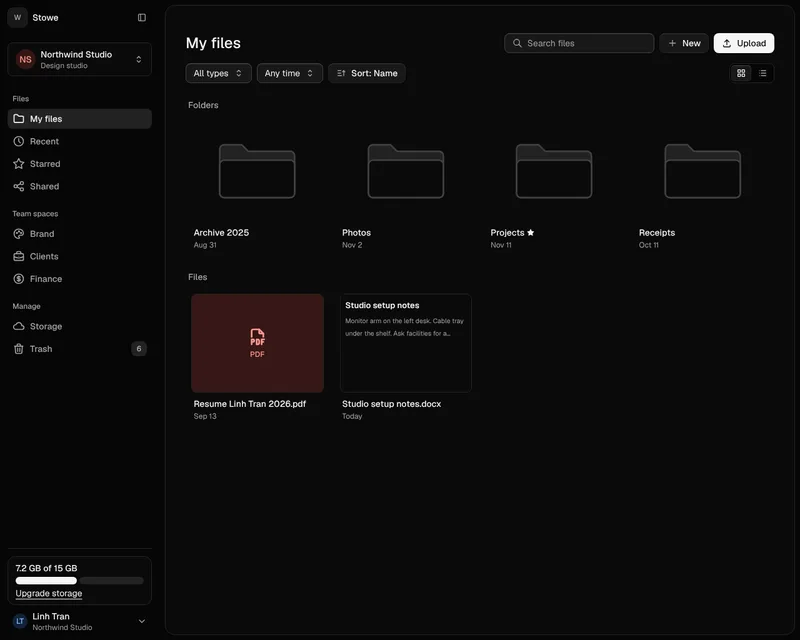
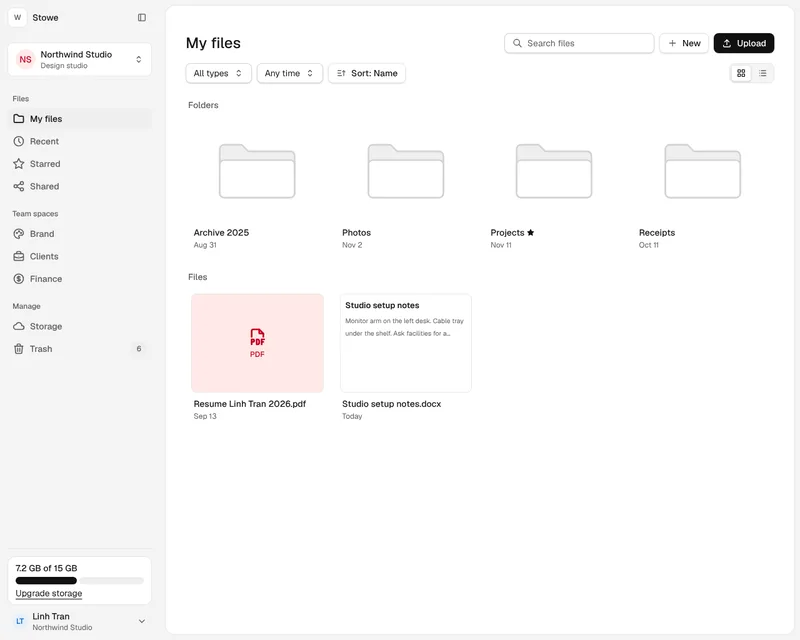
Folders and files in a grid or a list with a breadcrumb, box select, drag to move, right click, upload by drop, keyboard and Undo.
The free core gives your agent the rules. Pro gives it finished work that already follows them.
Each screen ships with a recipe and a starter prompt, and the werewolf-ui MCP server finds it by what you ask for. Your agent fills in your data instead of designing from a blank file.
The MCP server found the recipe
npx werewolf-ui add @werewolf-pro/cash-health
The add command copies the Pro source into your project like a free component.
npx werewolf-ui addEvery screen starts from the same design patterns. These are the patterns Werewolf suggests: agents follow them by default, and you are free to use them as they are, change them or create your own.
Both modes come from the same tokens, and every block reflows on small screens.
Durations and easing come from the motion tokens, reduced motion shows the final state at once, and effects stay off forms, tables and navigation.
Pro installs with the same CLI as the free components.
Confirm the code in your browser. The CLI saves a key on your computer.
npx werewolf-ui loginThe source lands in your project like a free component, and the MCP server gives your agent its recipe.
npx werewolf-ui add @werewolf-pro/chart-dashboardsAsk for the screen you need. Your agent reads the recipe, keeps the layout and fills in your data.
Solo and Team both include every screen, block and effect. Pay once in USD through Polar. Solo is $99. Enter a code at checkout to pay $59.
Werewolf UI: tokens, components and agent tools. MIT, free for any project.
$0forever
Werewolf UI Pro for one developer, on every project you build.
$99one-time
Werewolf UI Pro for a team of up to 5 people.
from $299one-time
Get your license today.