Product activity
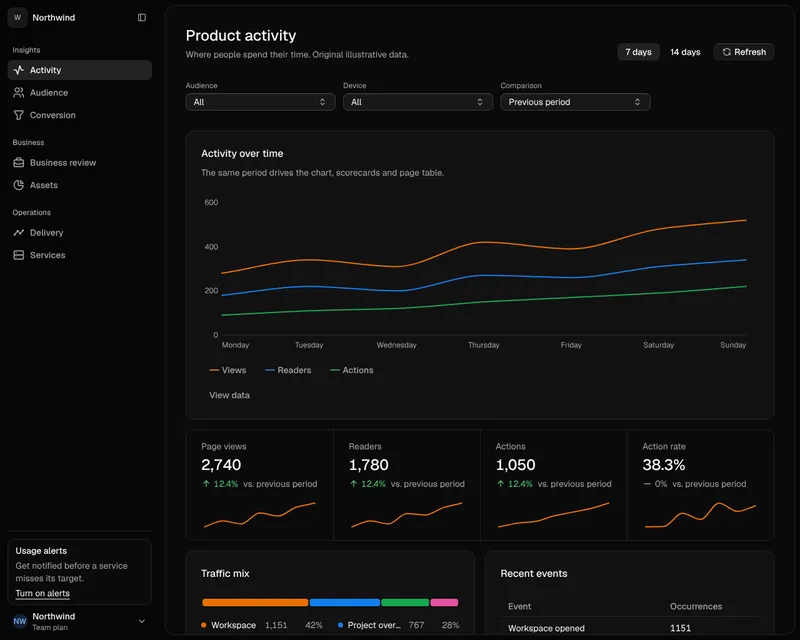
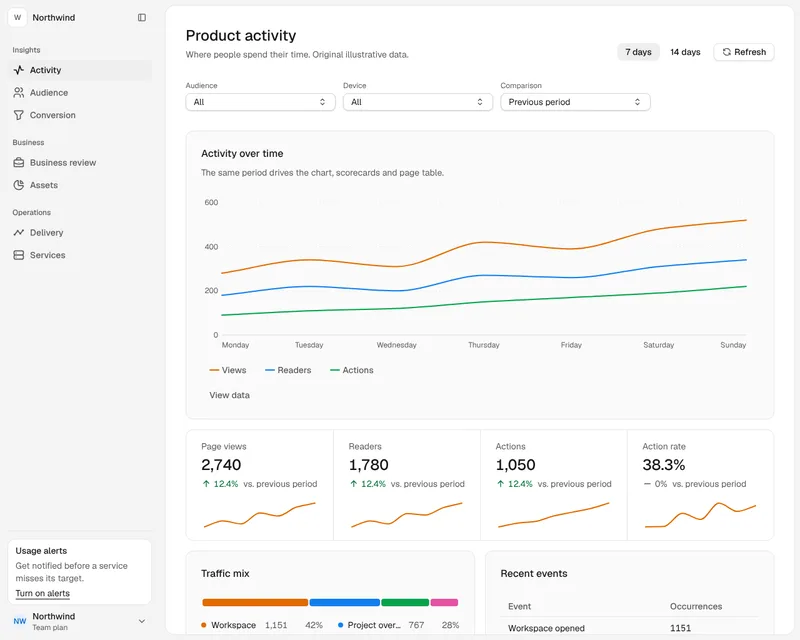
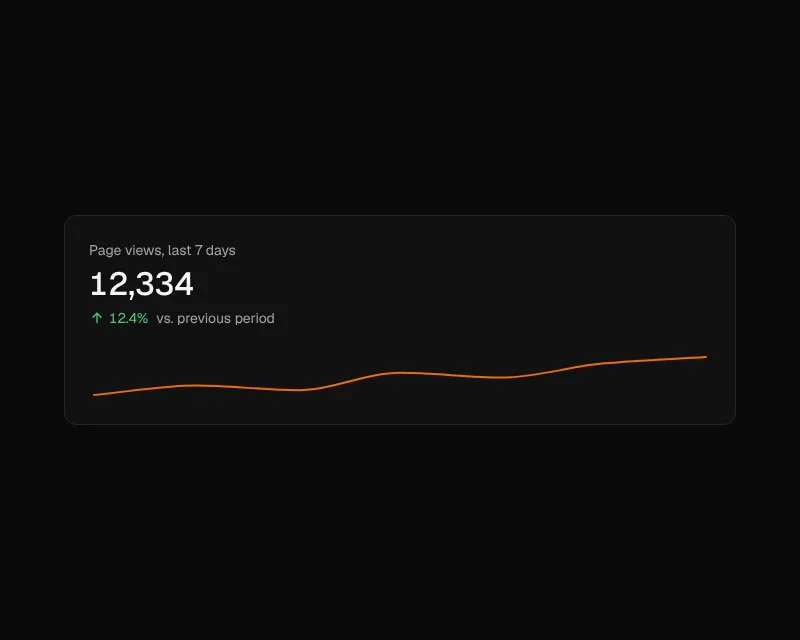
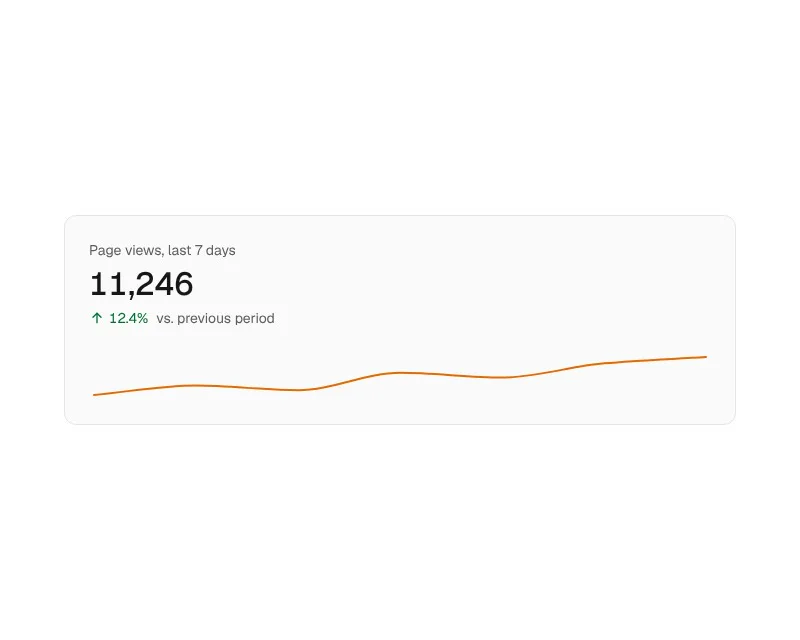
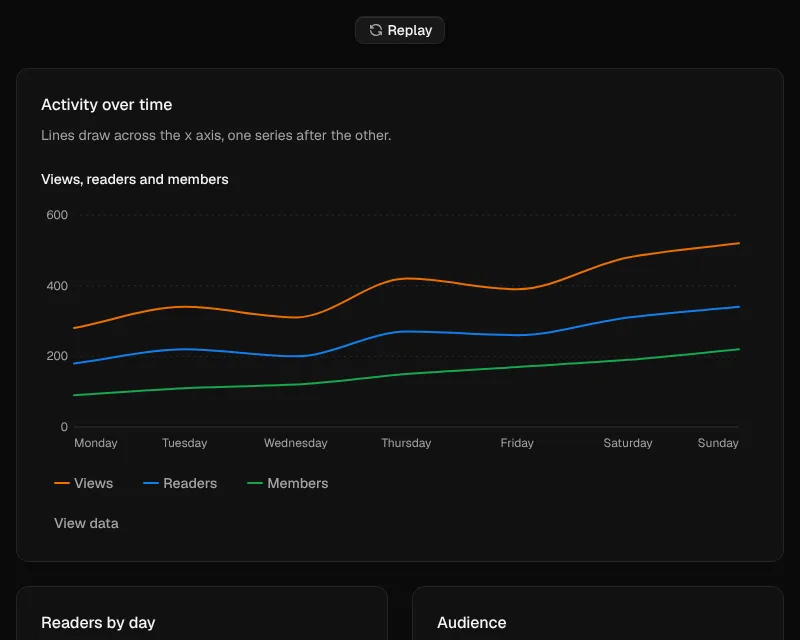
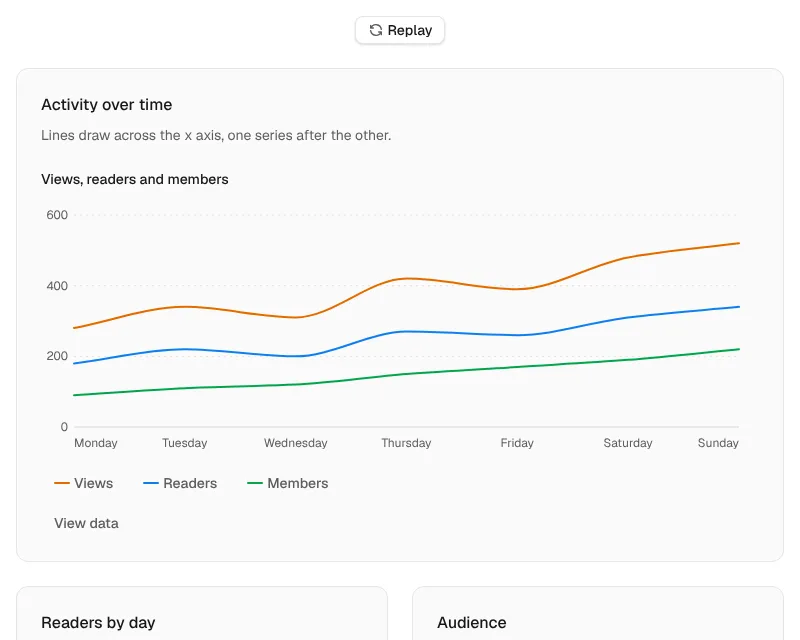
Activity line chart, metric cards with sparklines, traffic mix and a sortable page table.
ProProSaaS analytics
13 screens, 4 blocks and 23 effects built with Next.js, TypeScript, Tailwind CSS and Motion. Personalize it to your theme, with docs your agent builds from, and one design language throughout.
One-time payment. No subscription.
Activity line chart, metric cards with sparklines, traffic mix and a sortable page table.
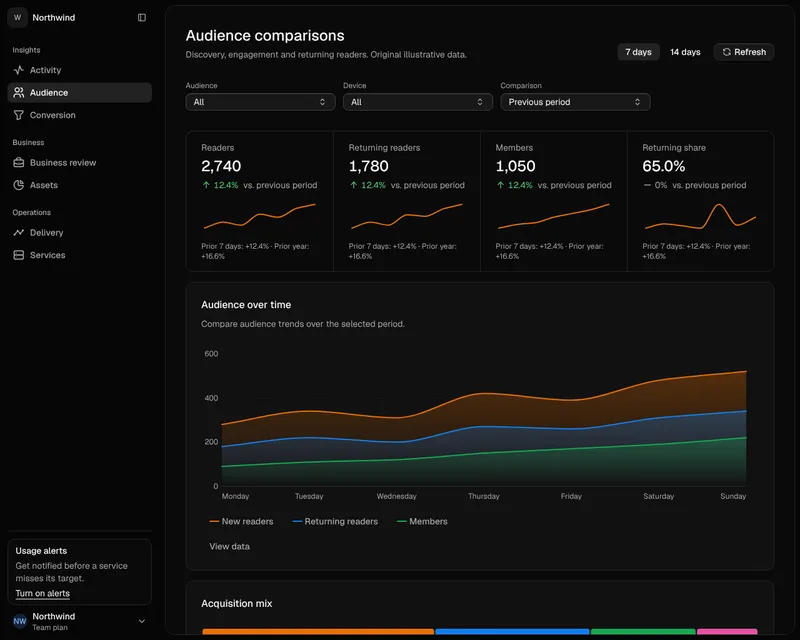
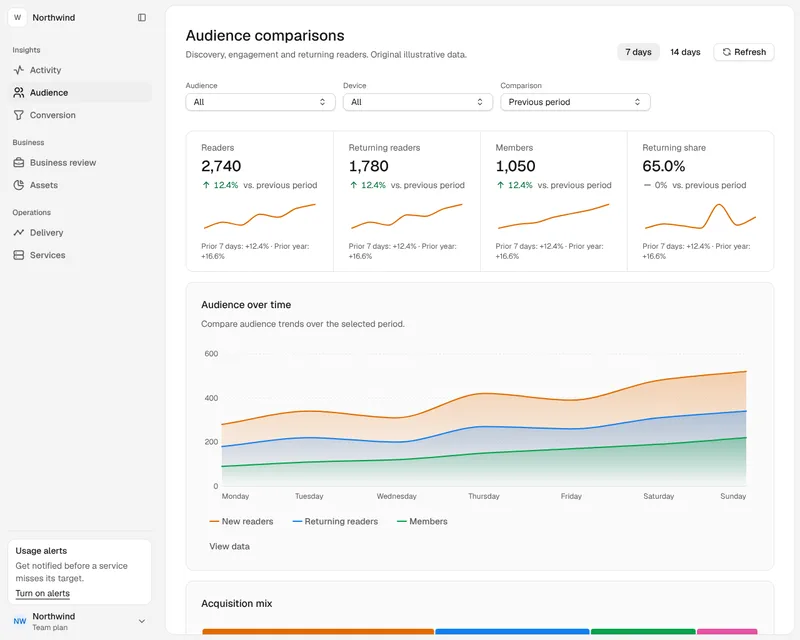
Audience area chart, two-period metric changes and an acquisition mix with a channel table.
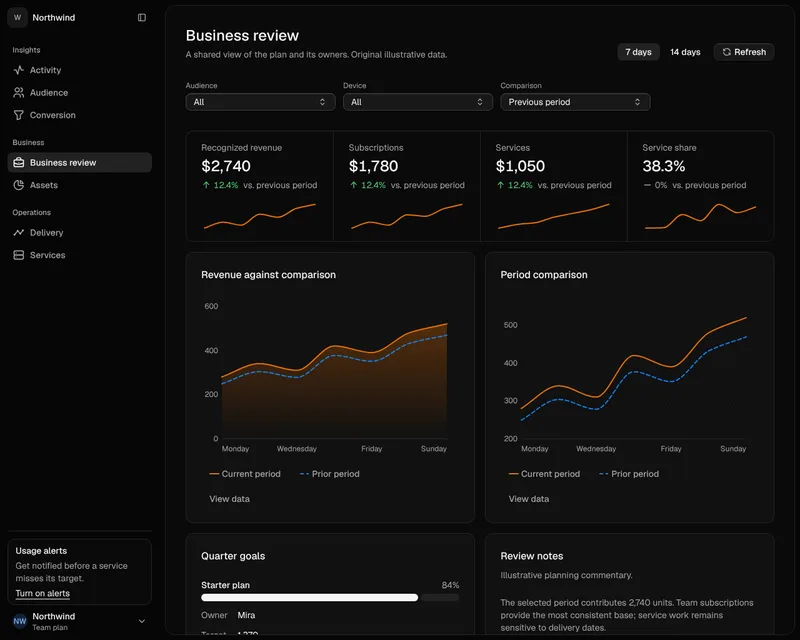
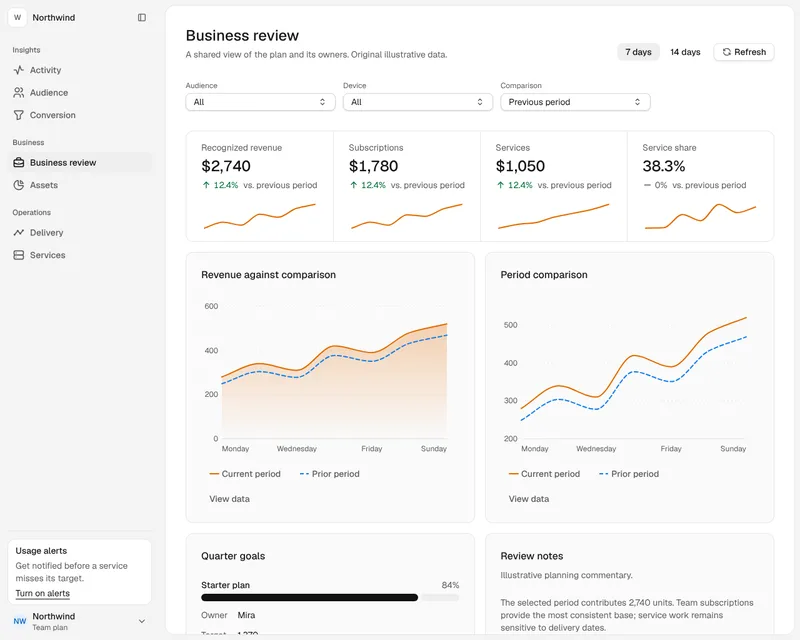
Revenue against a prior period, quarter goals with progress and a plan breakdown.
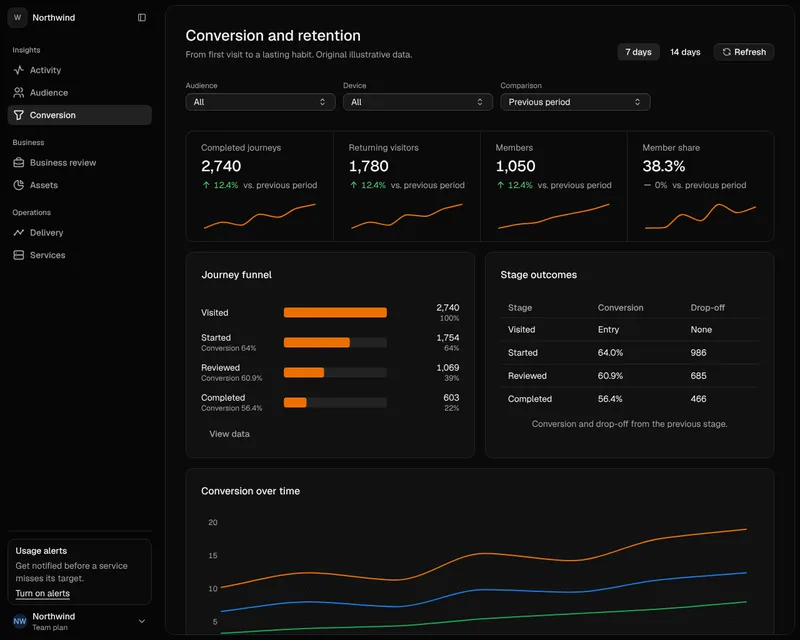
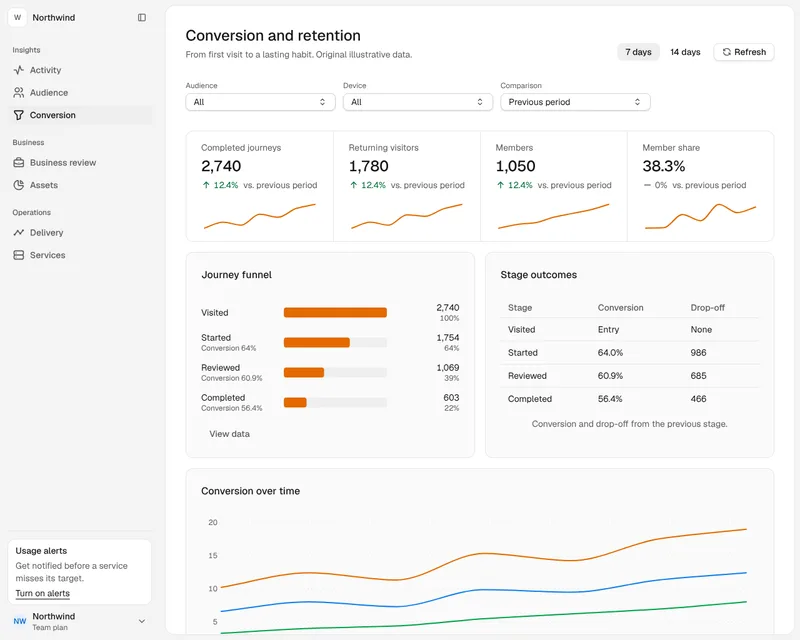
Journey funnel, conversion over time and weekly retention cohorts.
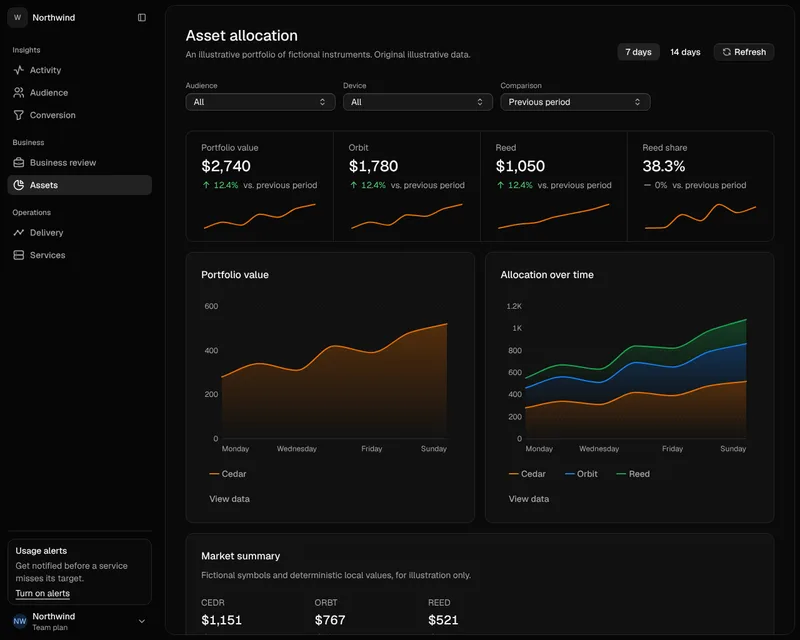
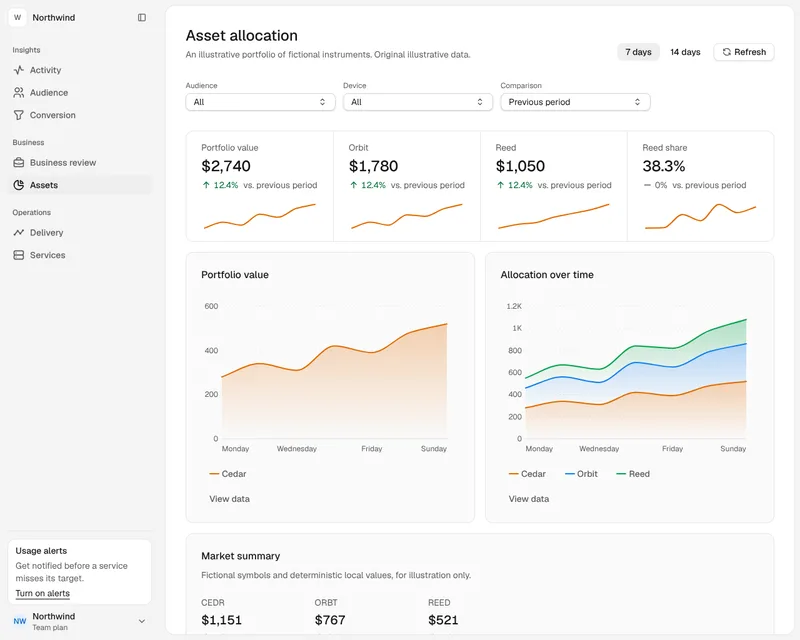
Fictional portfolio value, a market summary and ranked contributors with row sparklines.
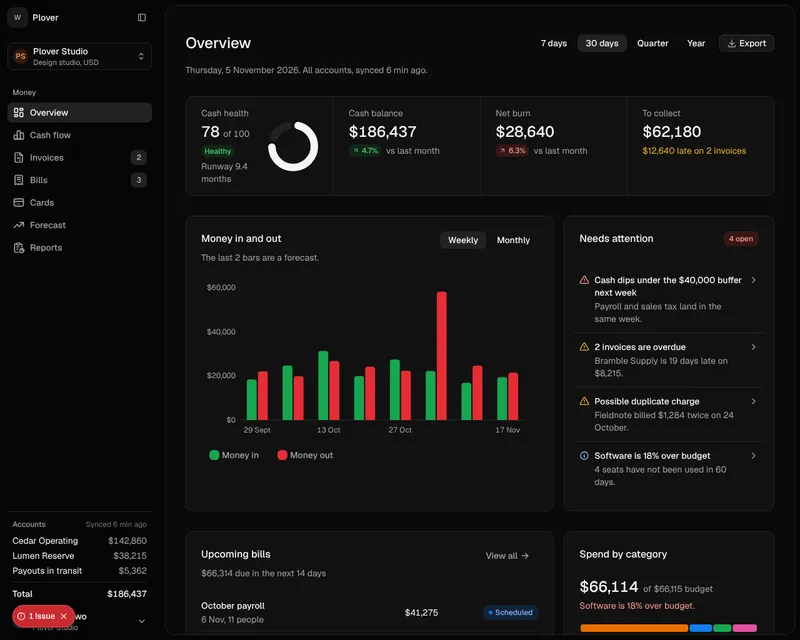
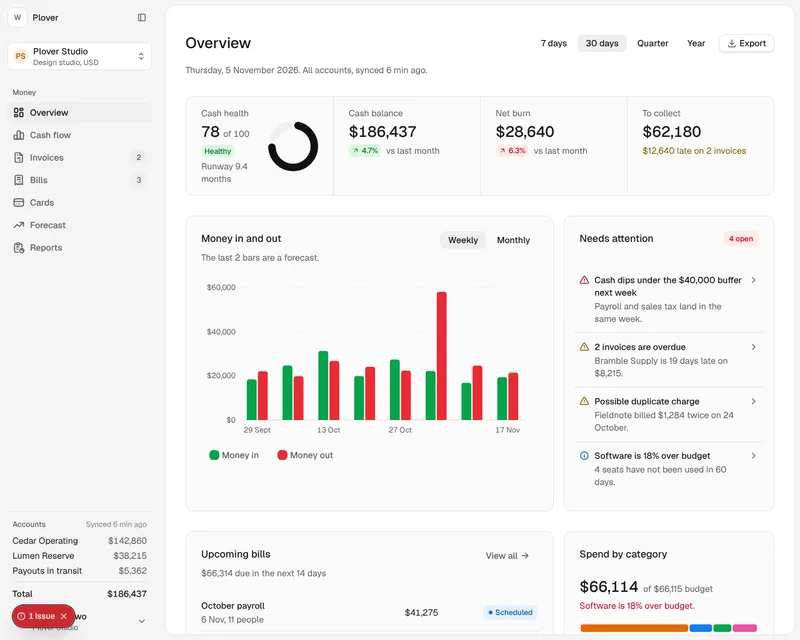
Cash score, runway, money in and out, bills to approve and spend by category for one studio.
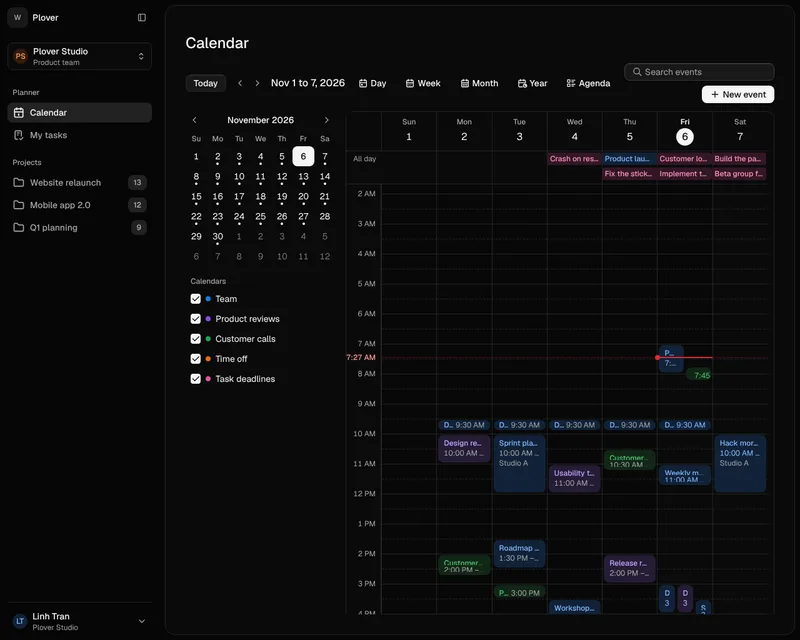
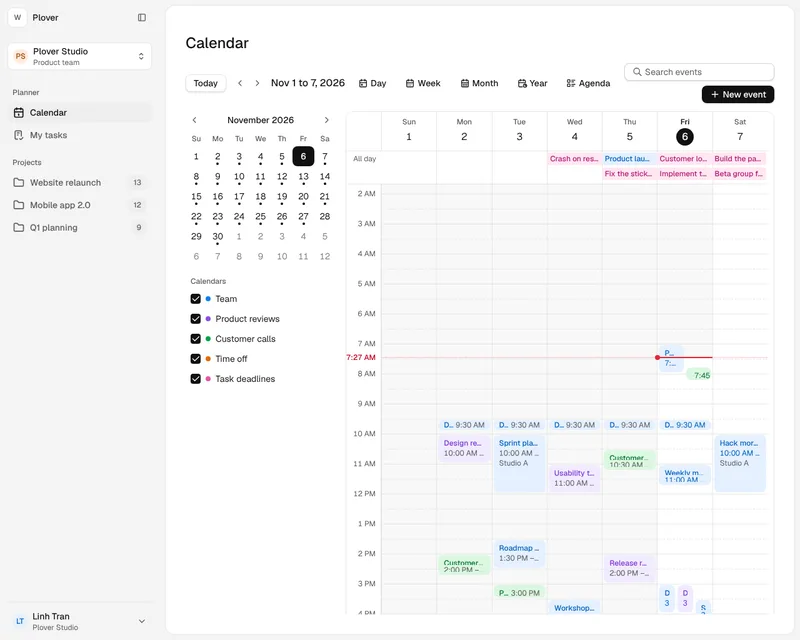
Day, week, month, year and agenda views with a live current-time line, drag to create, move and resize, and a Sheet for one event.
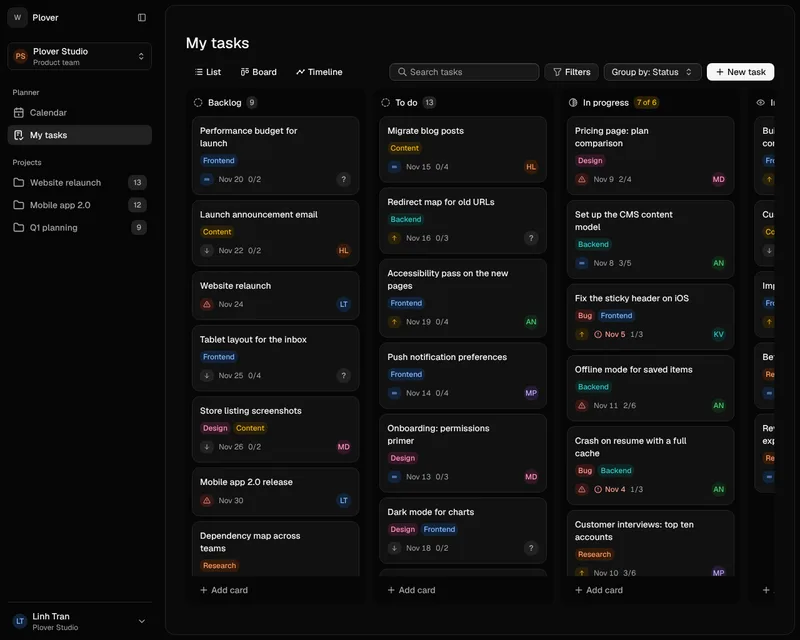
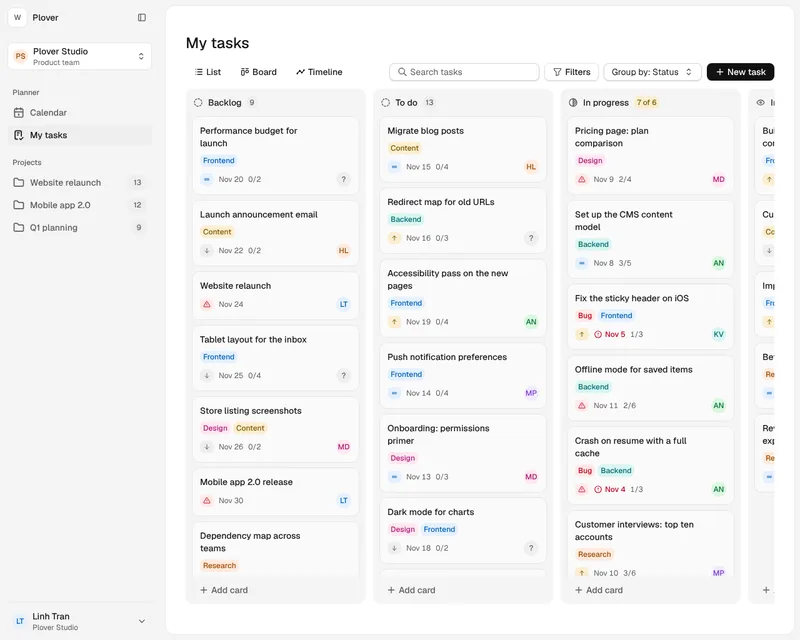
List, kanban board and Gantt timeline over one set of tasks, with drag between columns, dependencies and Undo.
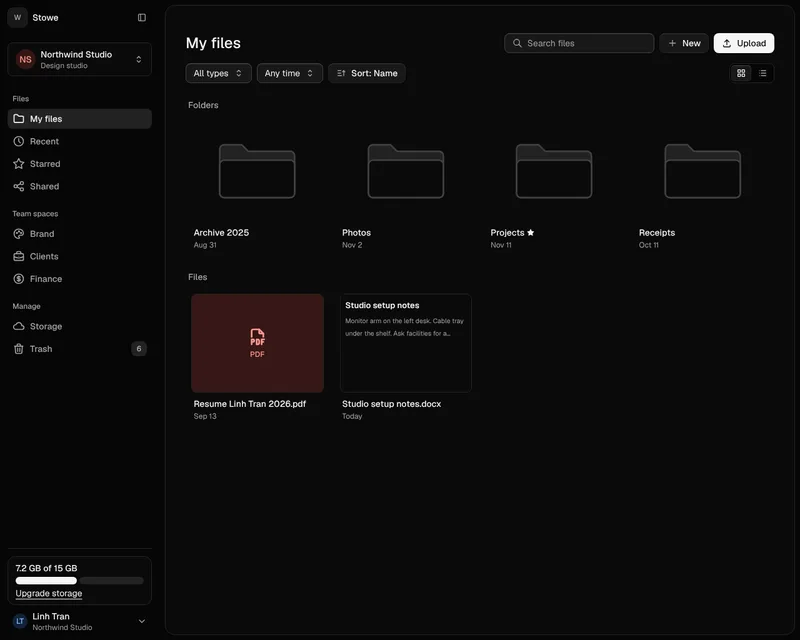
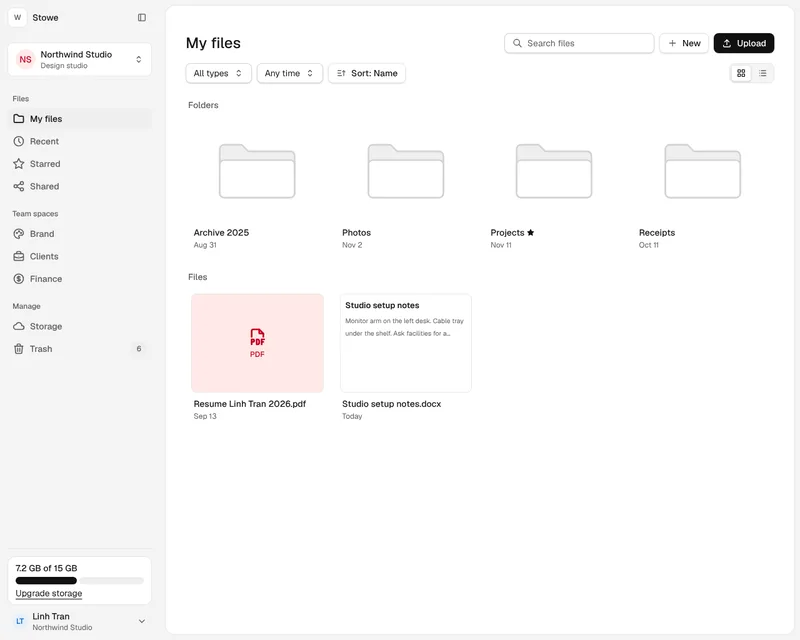
Folders and files in a grid or a list with a breadcrumb, box select, drag to move, right click, upload by drop, keyboard and Undo.
One file in a viewer with zoom, pages and pinned comments, and its details, activity and versions beside it.
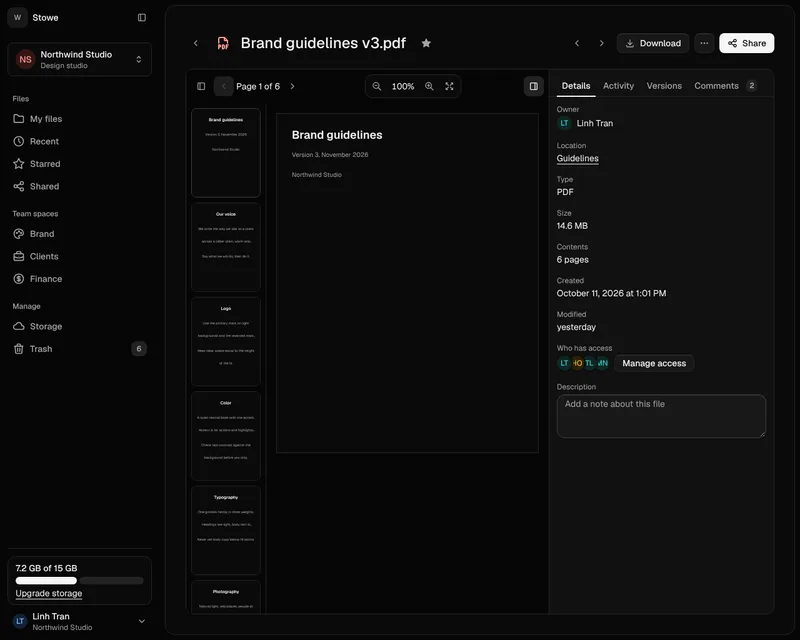
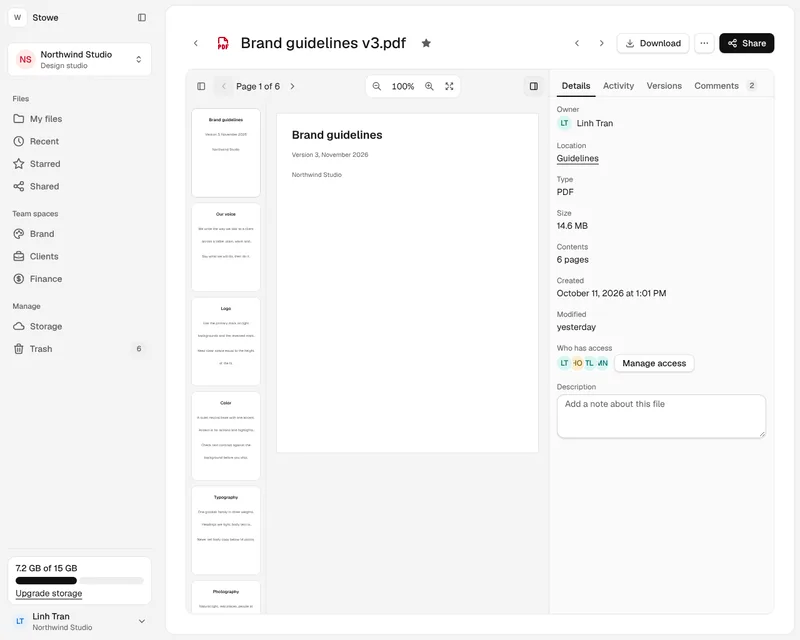
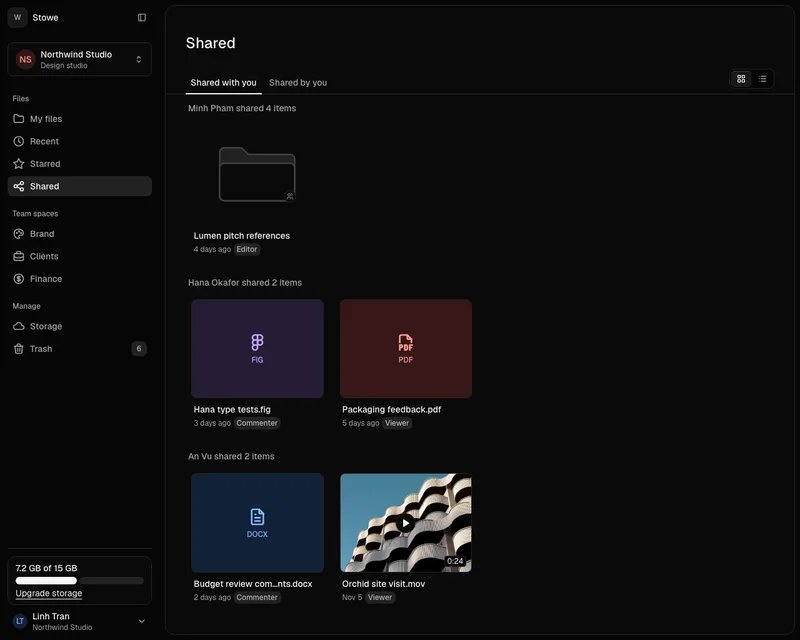
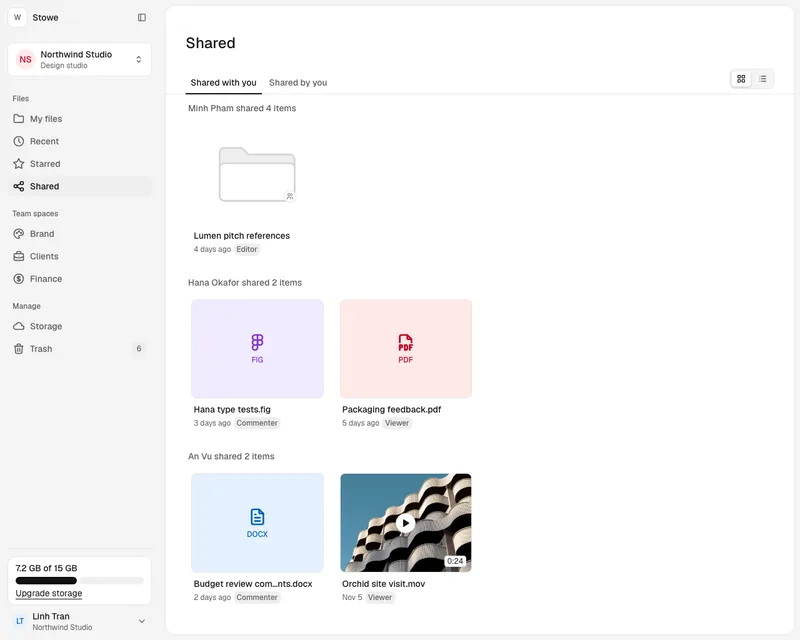
Invite people, set link access and expiry, and see what you share and what is shared with you.
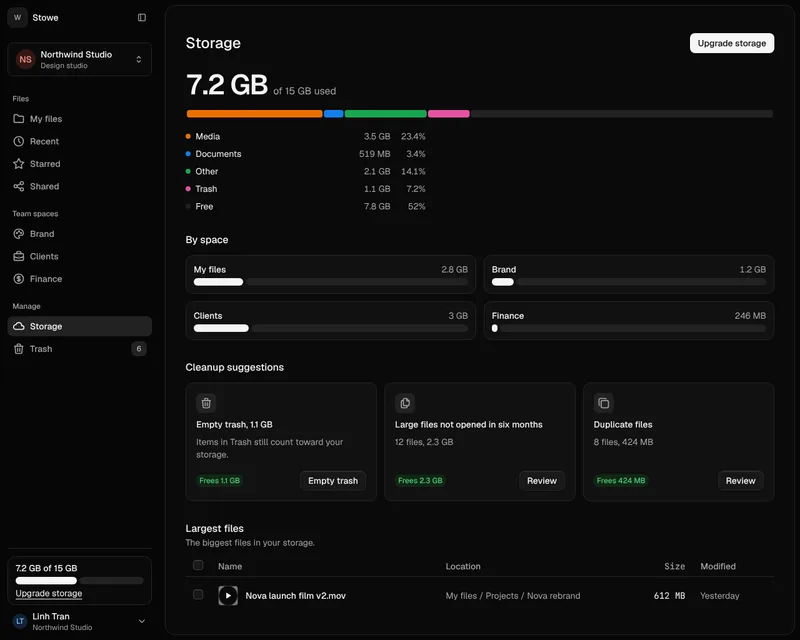
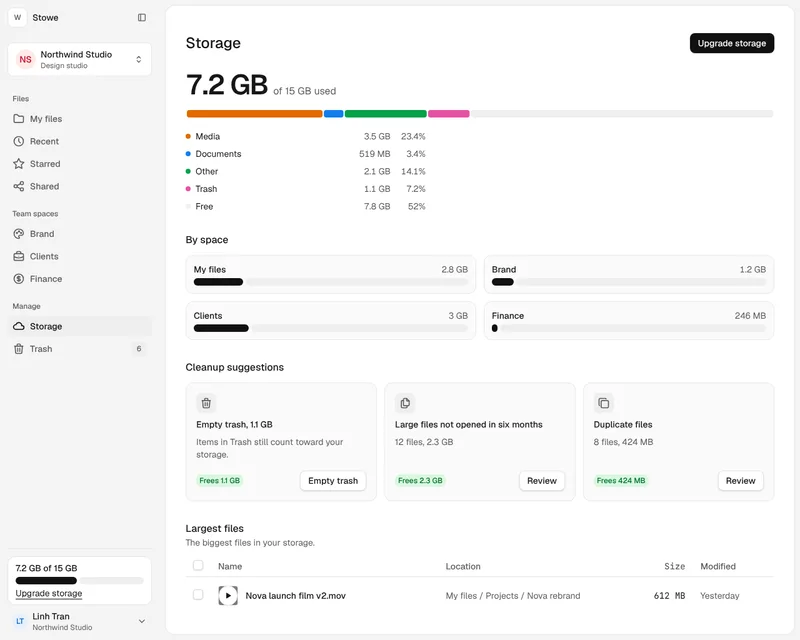
What fills the quota by type and space, cleanup suggestions, the largest files and a Trash with restore.
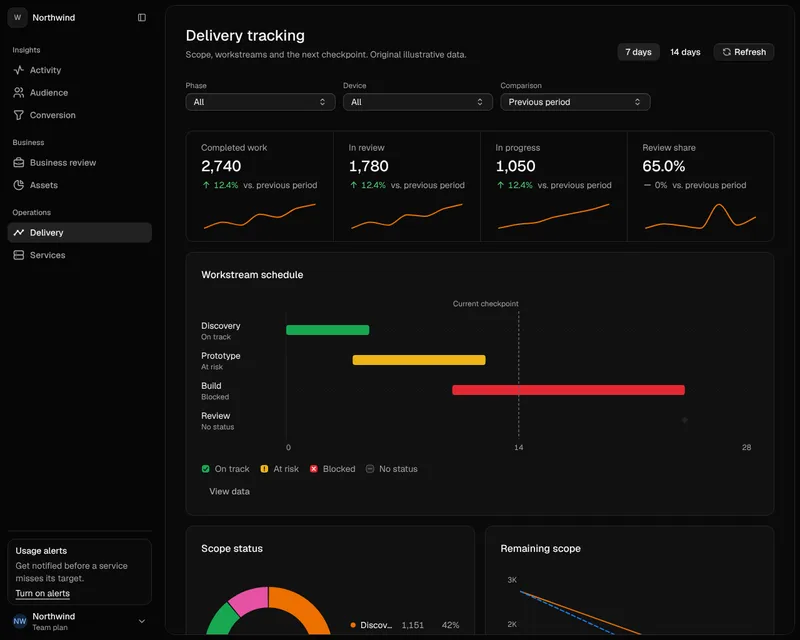
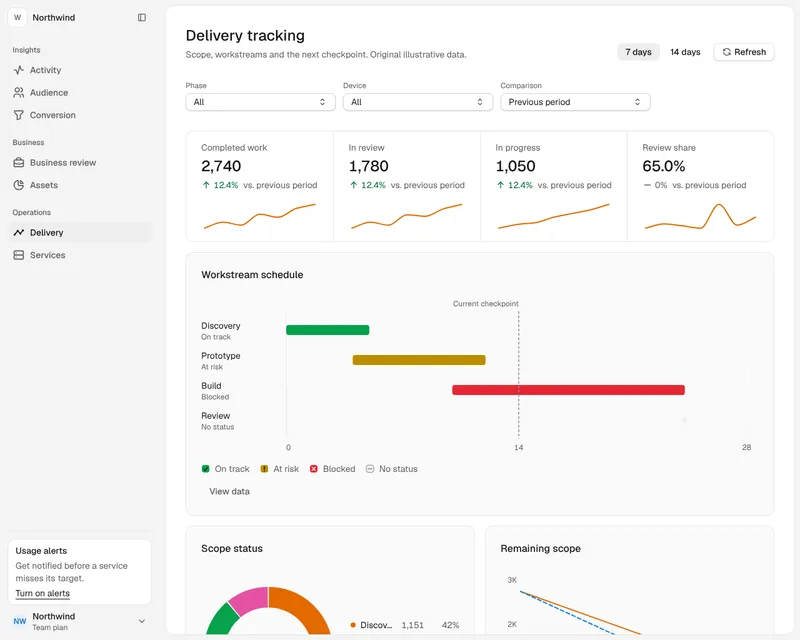
Workstream timeline with a checkpoint, scope donut and an owners and completion table.
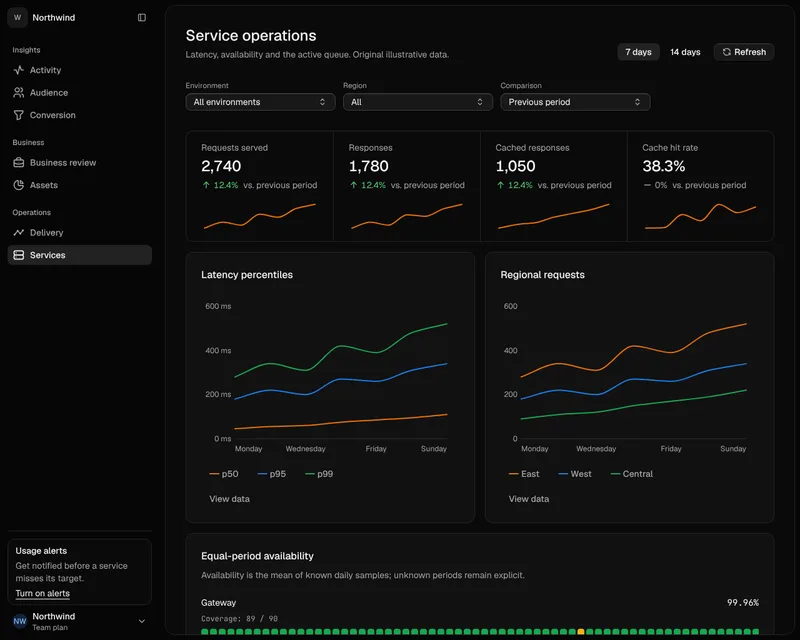
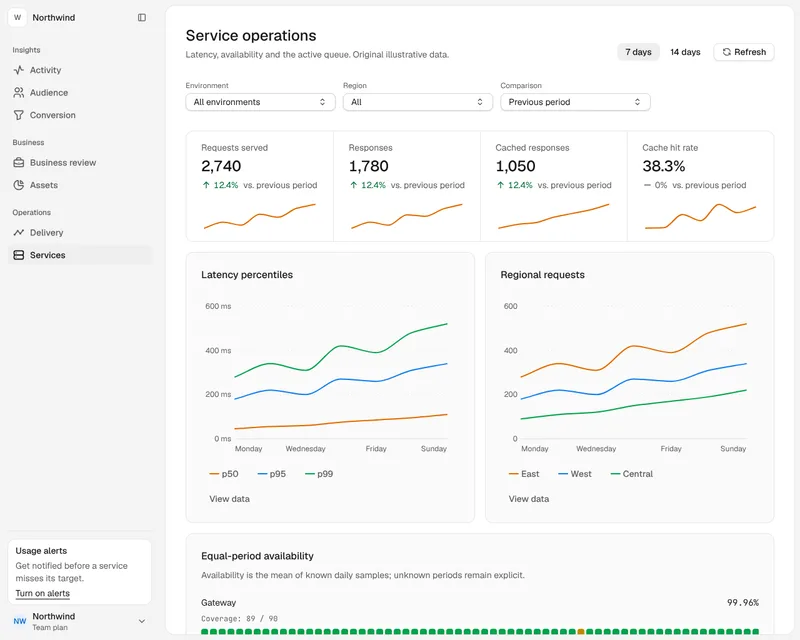
Latency percentiles, 90-day availability per service and active alerts.
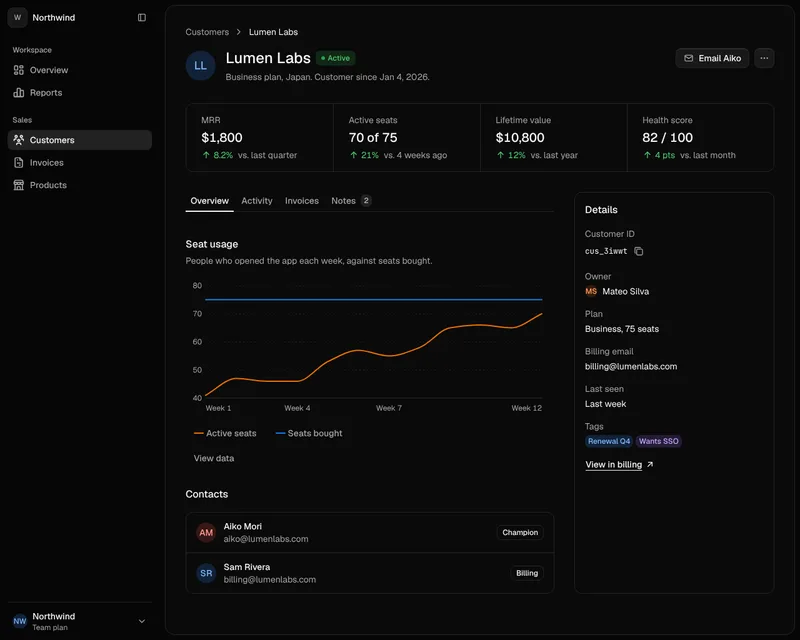
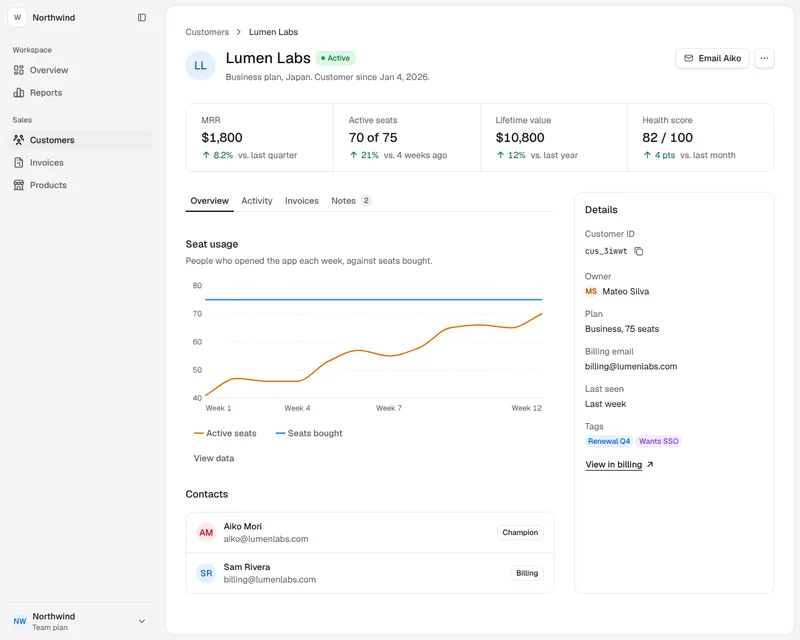
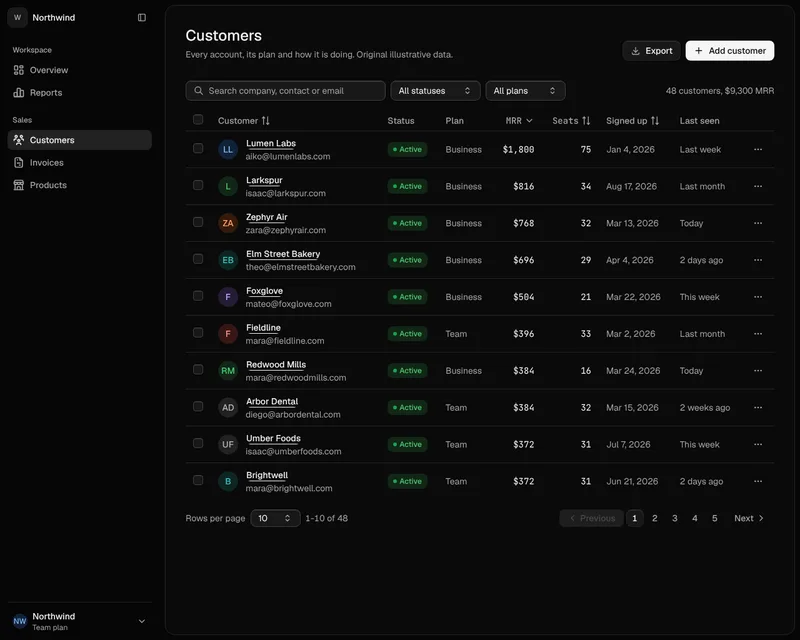
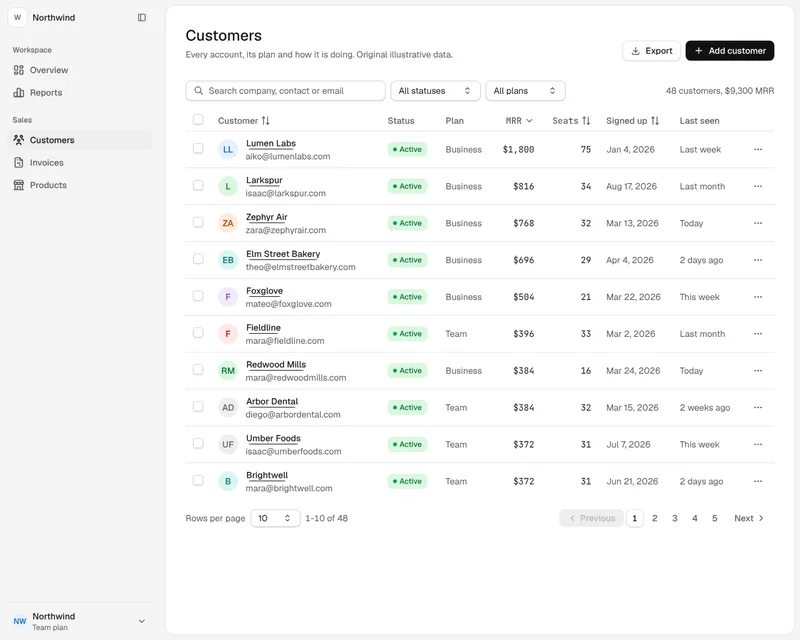
One record on its own page: key figures, tabs for overview, activity, invoices and notes, and its details beside them.
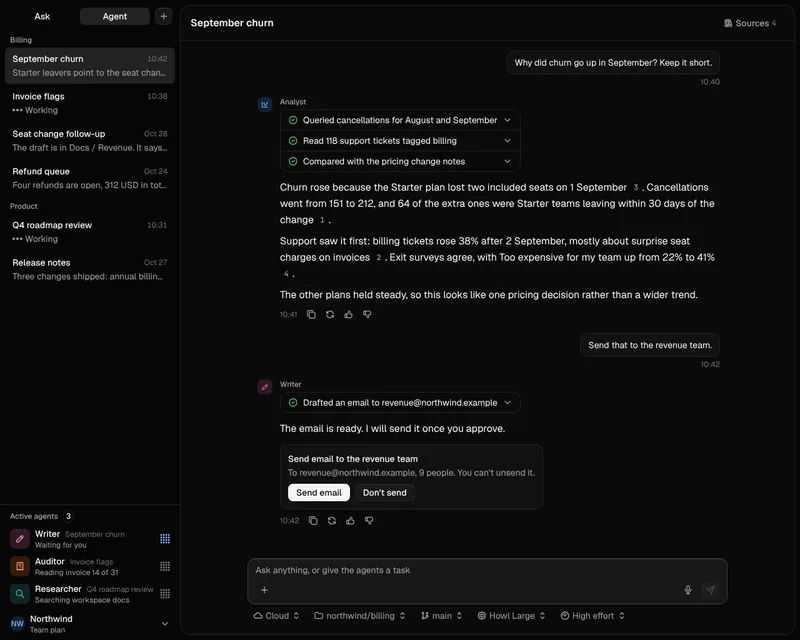
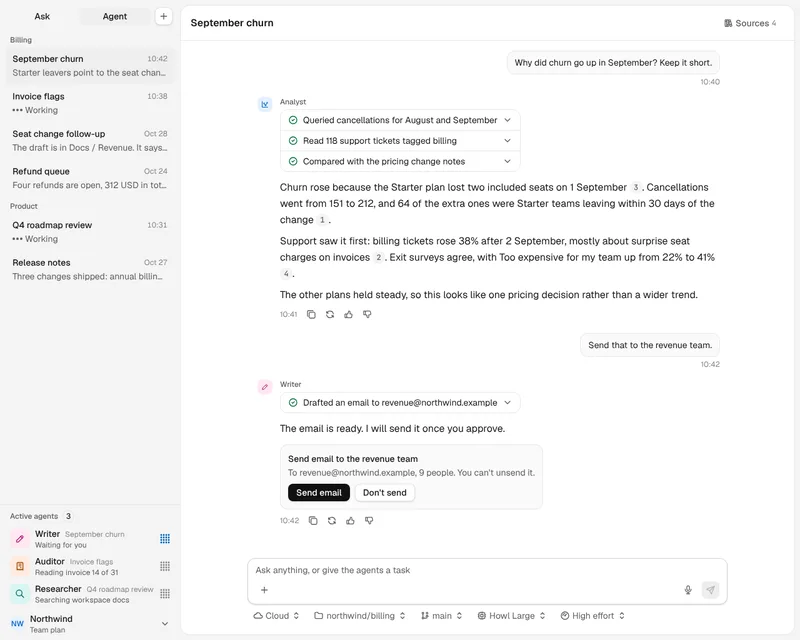
Ask and Agent modes, every agent at work listed with its logo and status, answers that stream in color with cited sources, and a prompt box with files, plugins, model and effort.
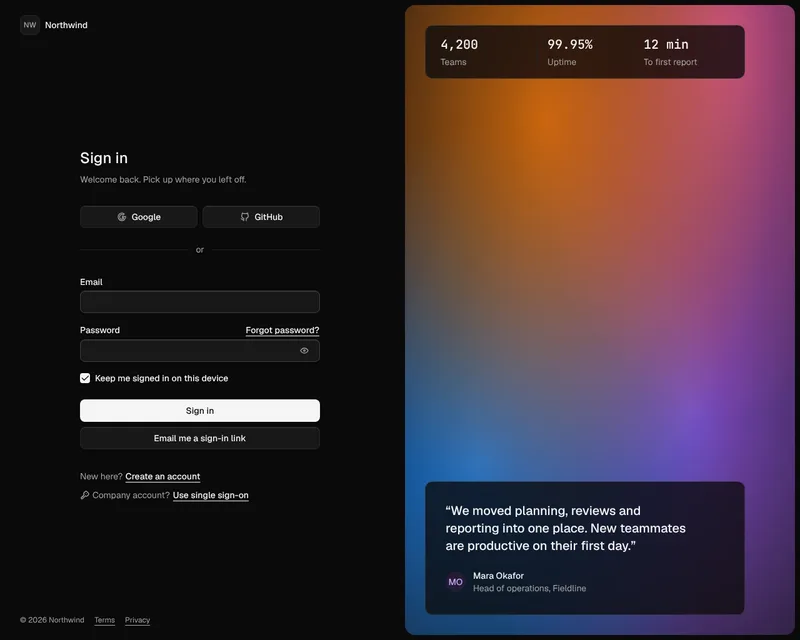
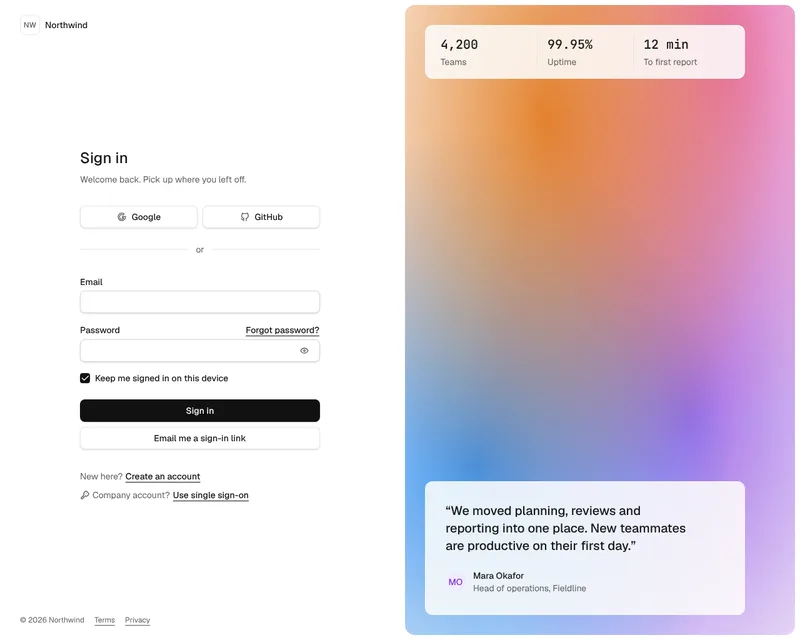
Email and password, magic link and single sign-on, with errors and a pending state.
A first-run flow with steps, invites and a getting-started checklist.
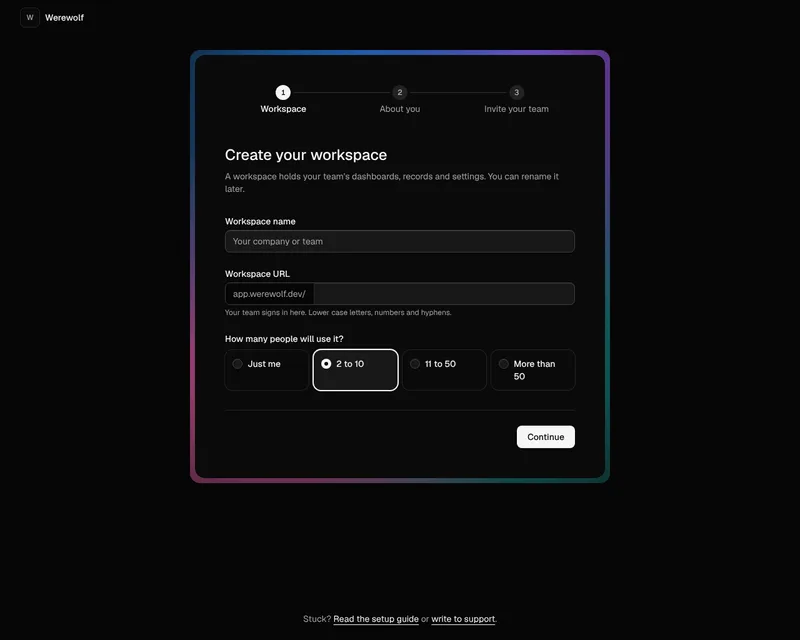
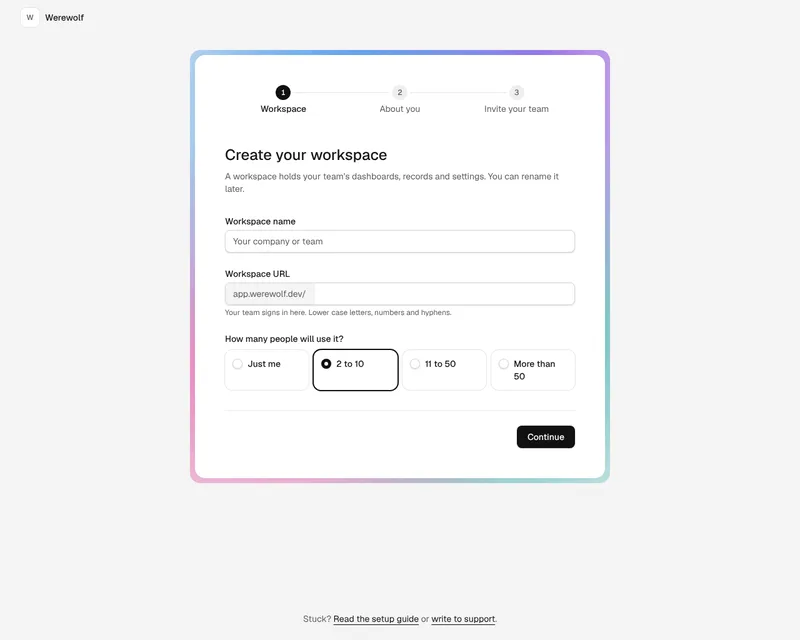
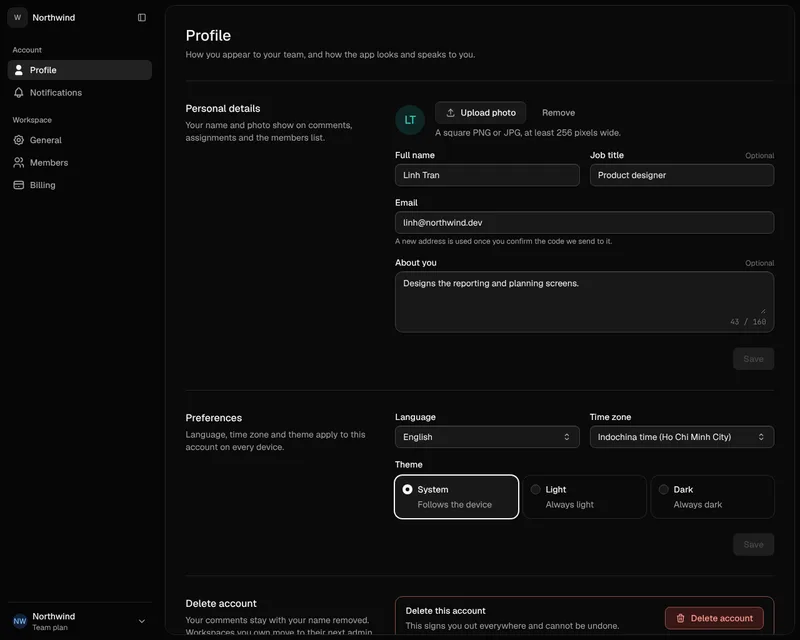
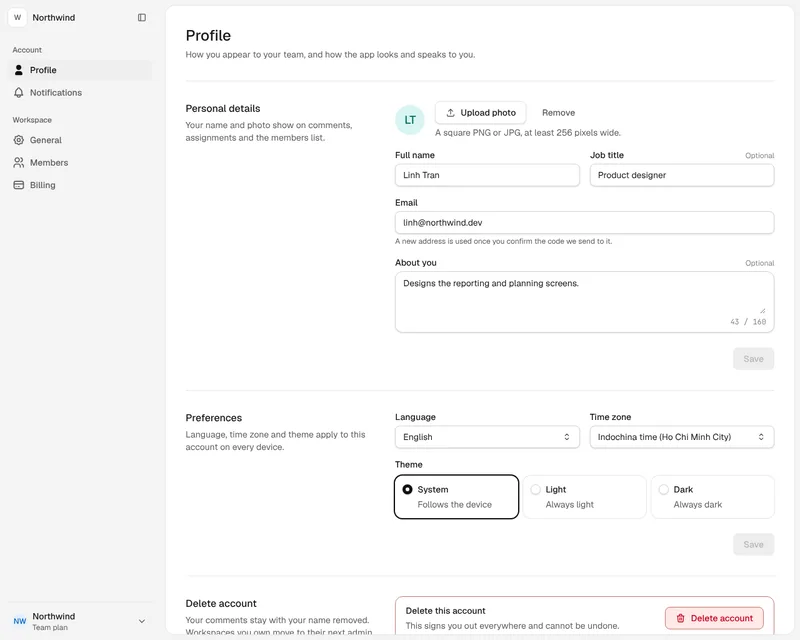
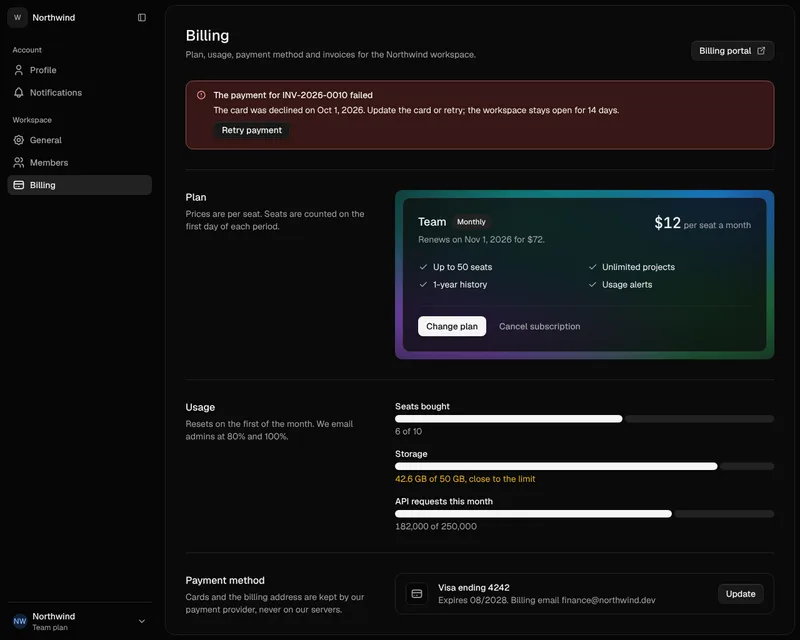
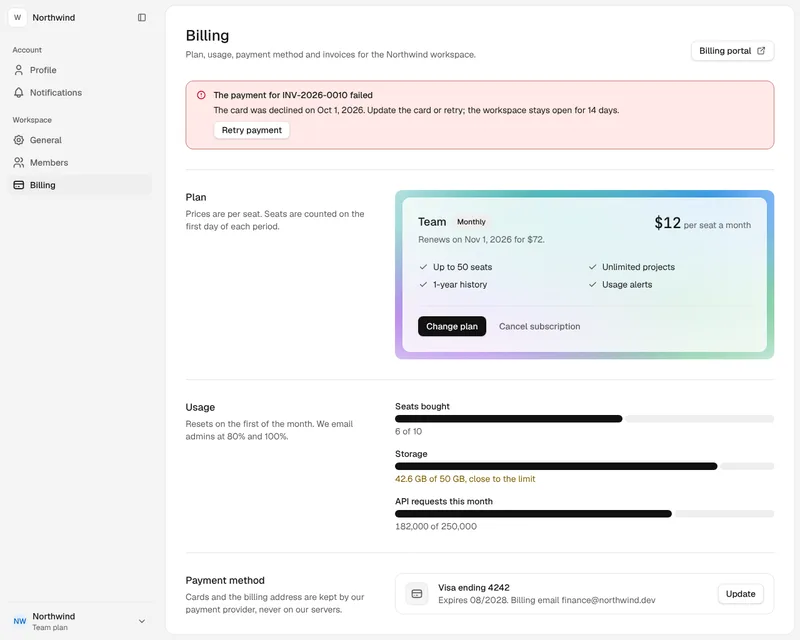
Profile, workspace, members and notifications in one sectioned page.
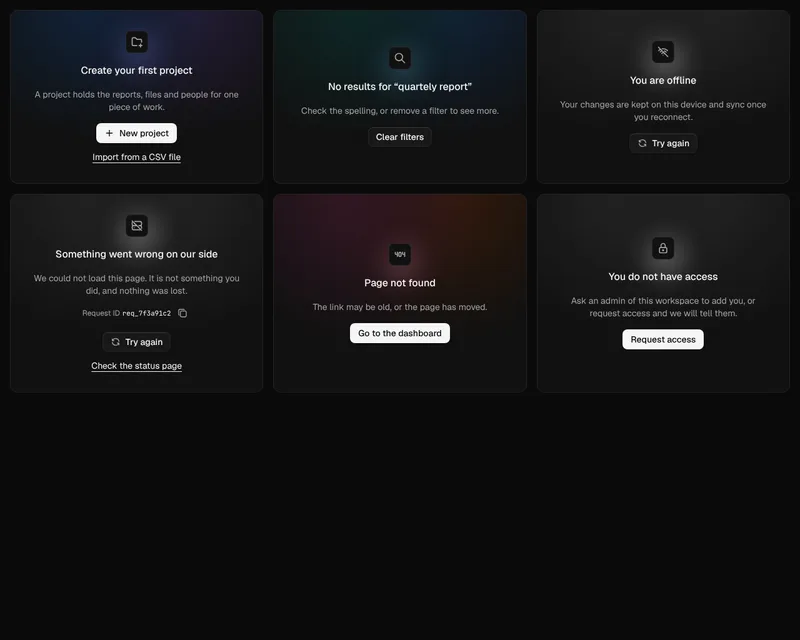
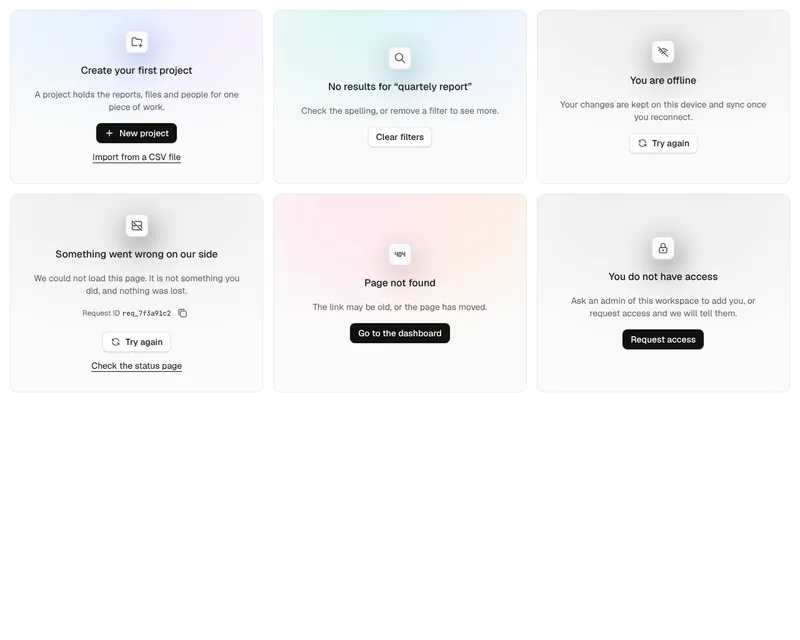
First use, no results, offline and server error, each with one next step.
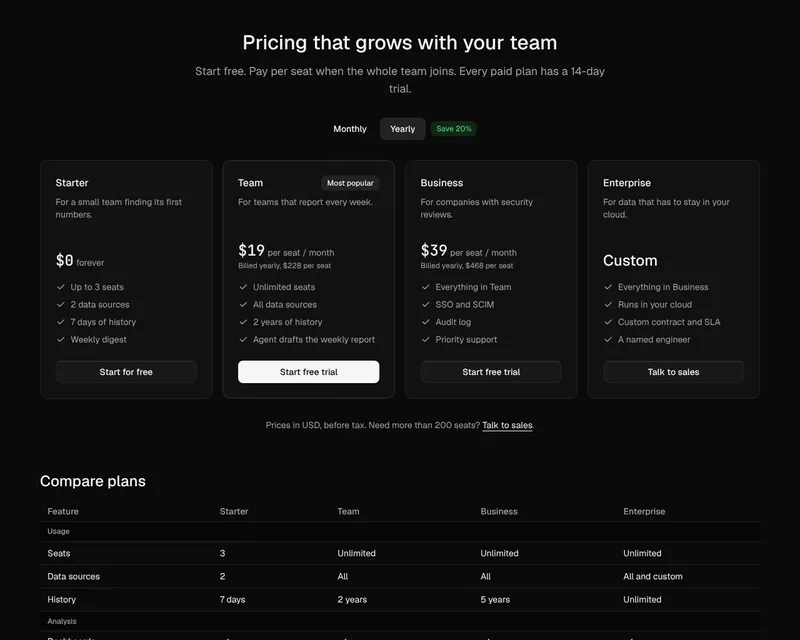
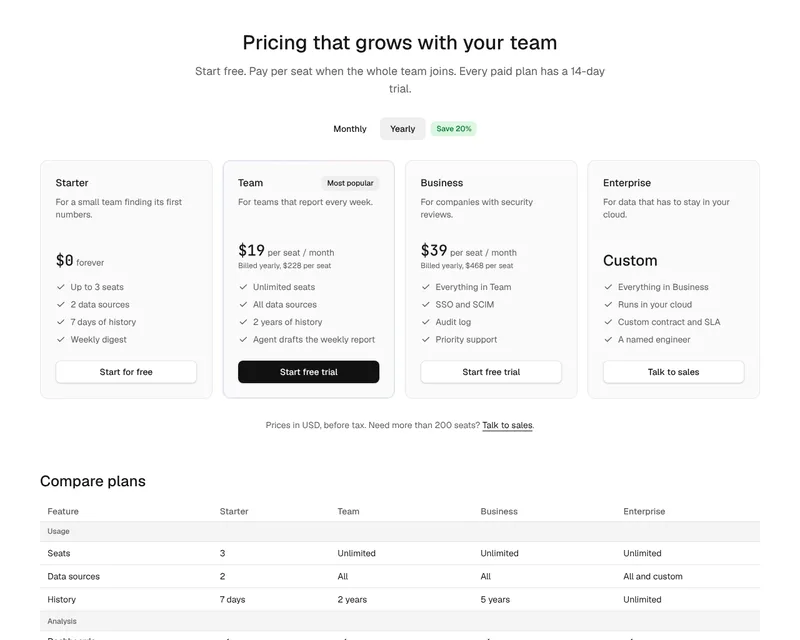
Plans side by side with a billing period switch, a feature comparison and questions.
Header, an announcement, a headline with shimmer over an aurora, two actions, a product frame and a logo row.
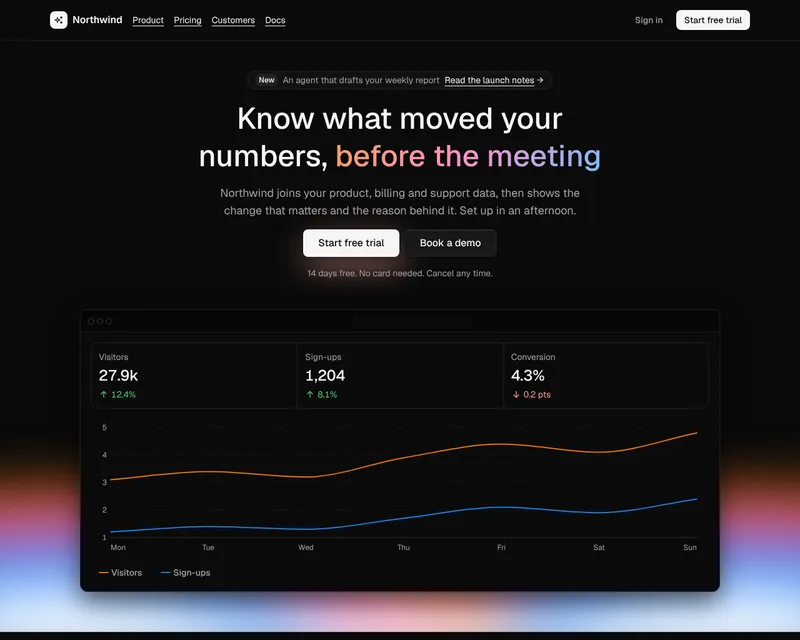
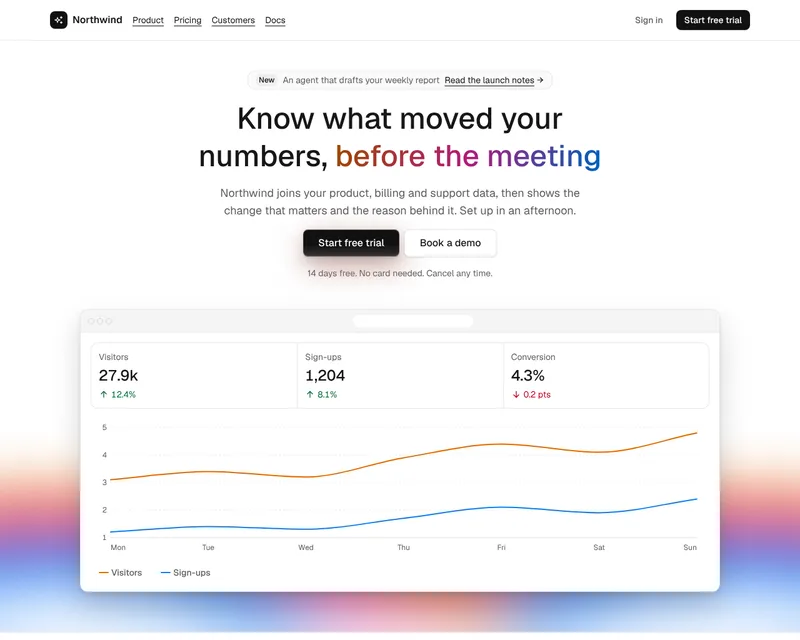
A blurred floor of color that glows up from the bottom edge, its waves rising and falling, in seven palettes built from the Werewolf hues.
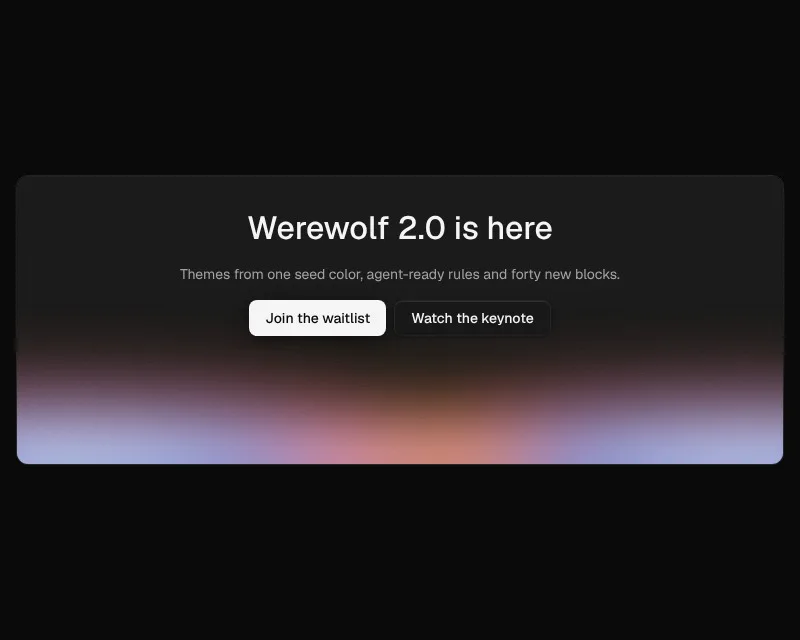
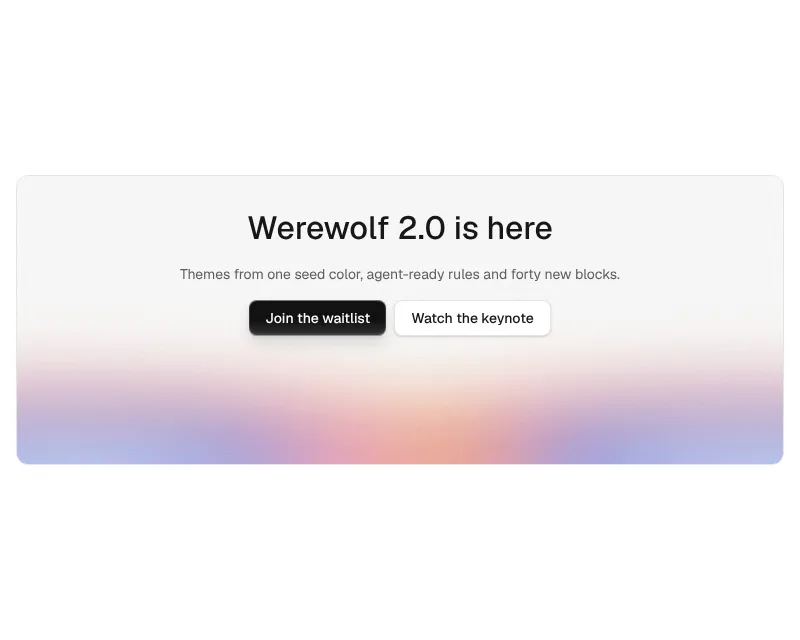
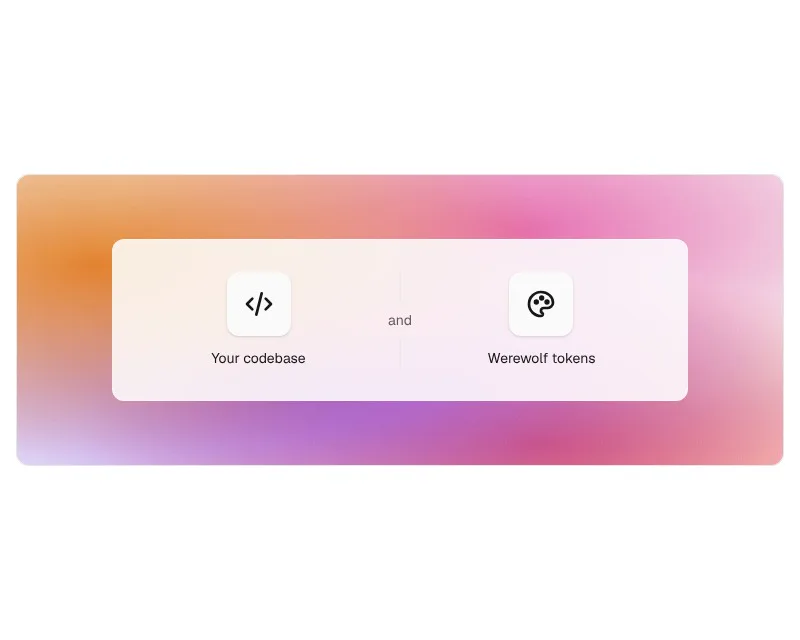
Soft blobs of color drift behind a section and blend into each other, with film grain on top, in seven palettes built from the Werewolf hues.
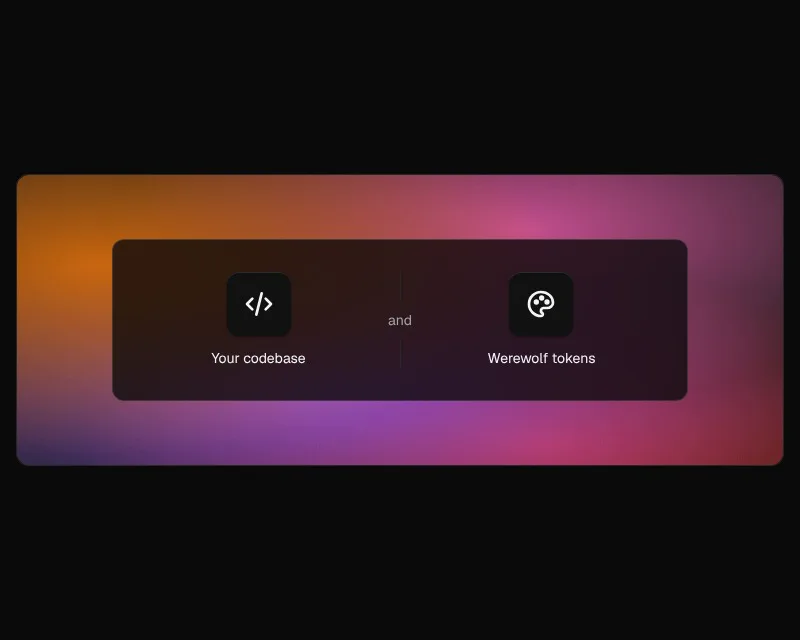
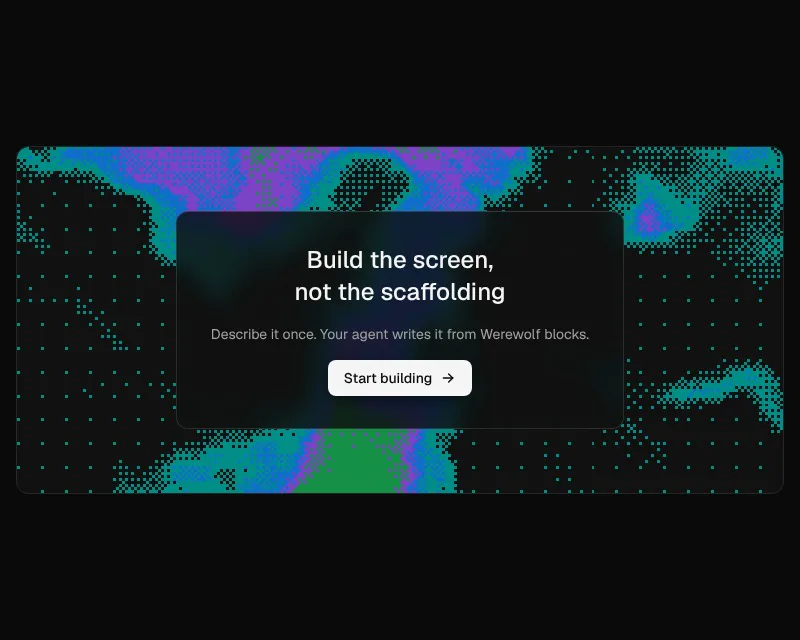
A slow flowing field of color drawn in coarse pixels and ordered dithering, behind a hero or showcase, in seven palettes built from the Werewolf hues.
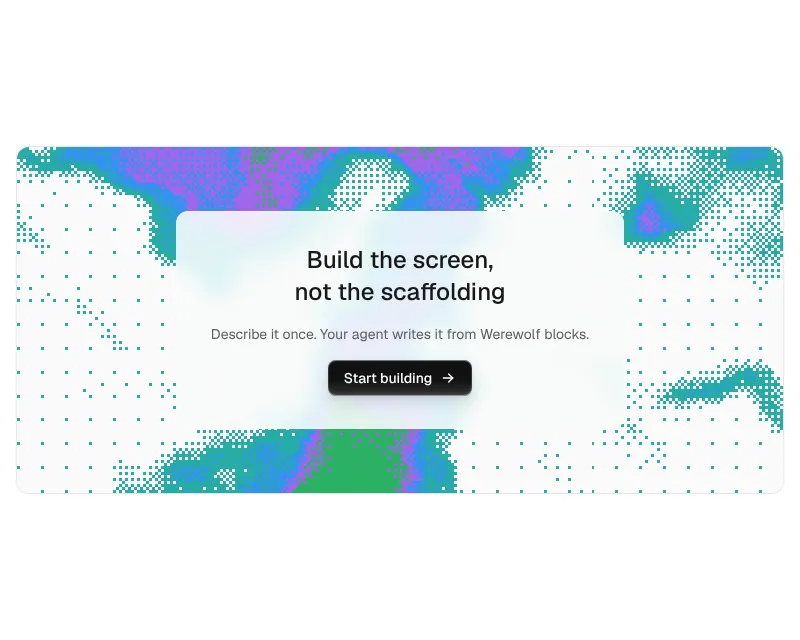
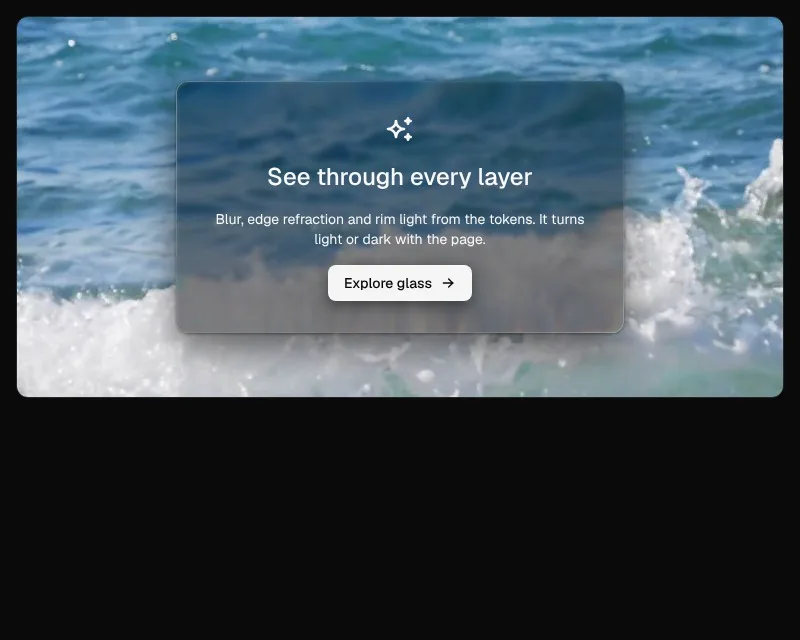
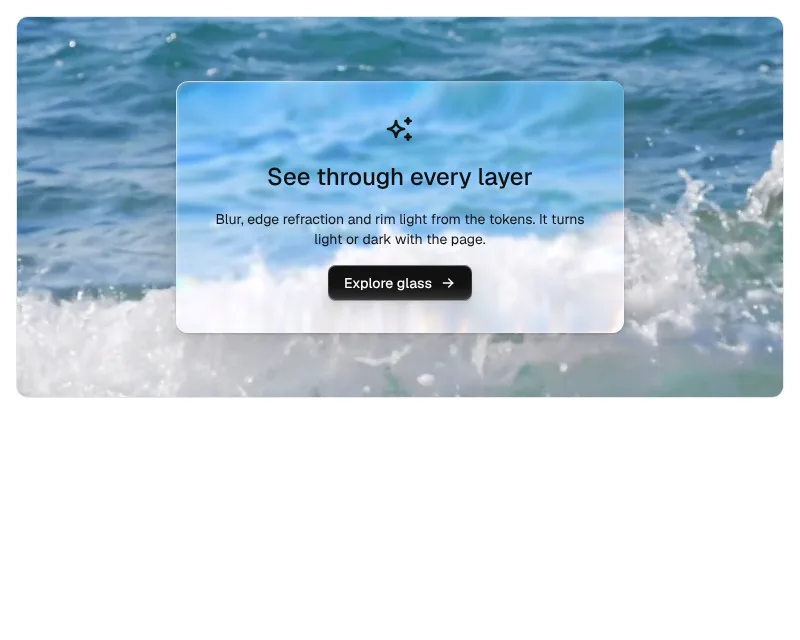
A see-through panel that blurs and brightens what is behind it, bends it at the edges with a faint rainbow, lights its rim and turns light or dark with the page.
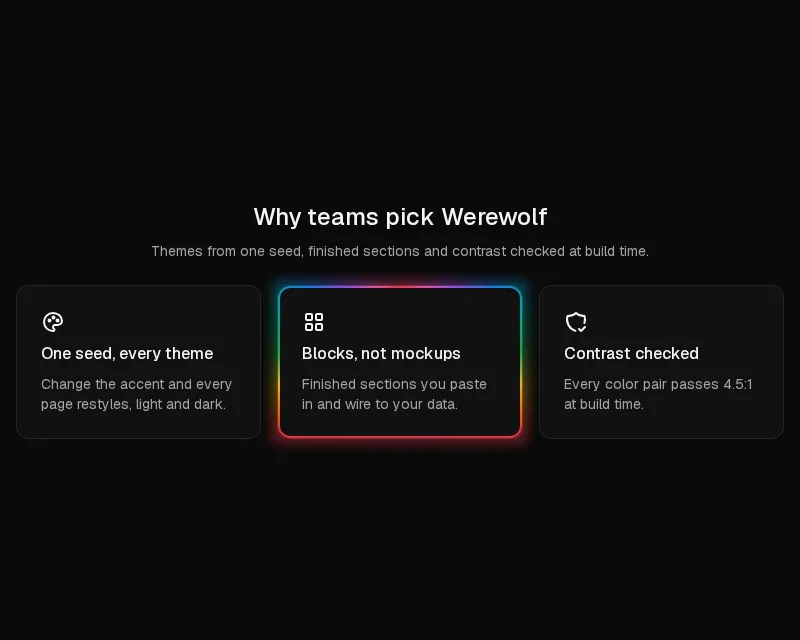
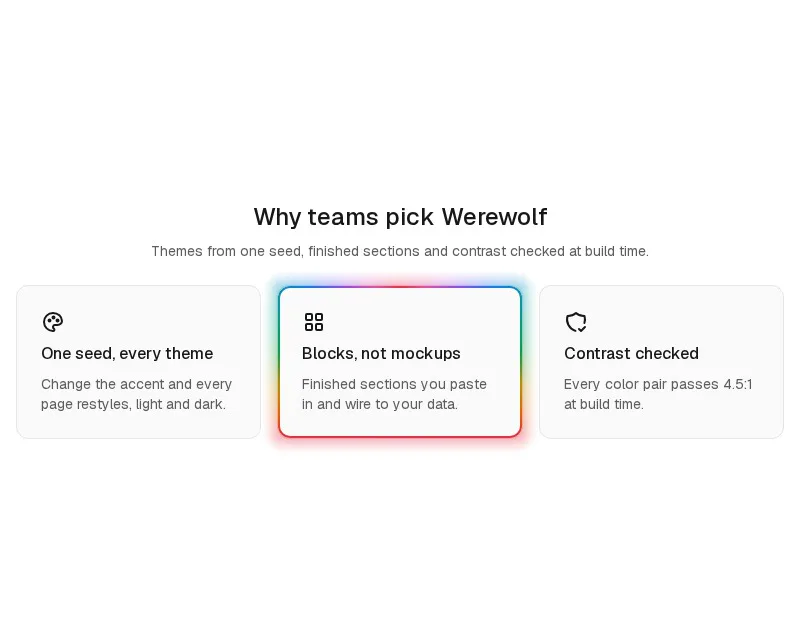
A rainbow border wraps the card, its colors rise from the bottom corners up both sides, and its light spills onto the surface around it. Holds still under reduced motion.
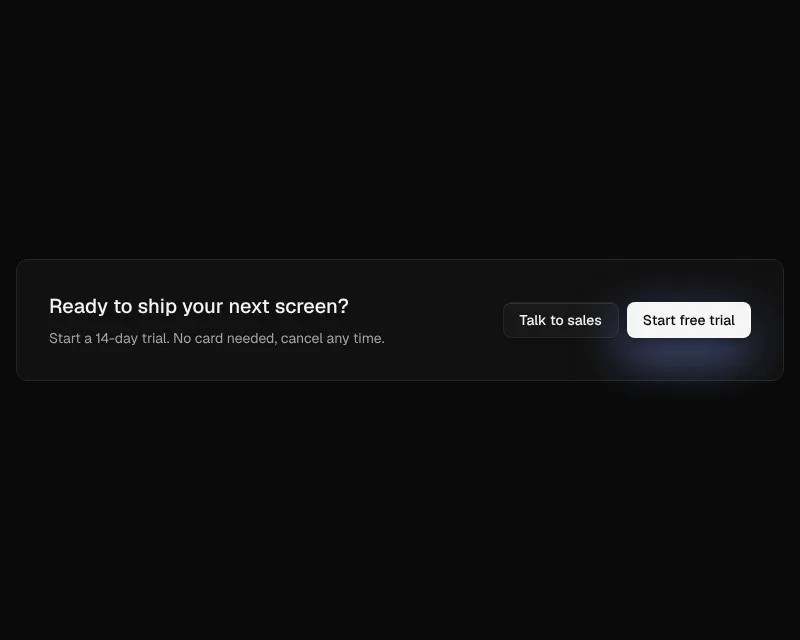
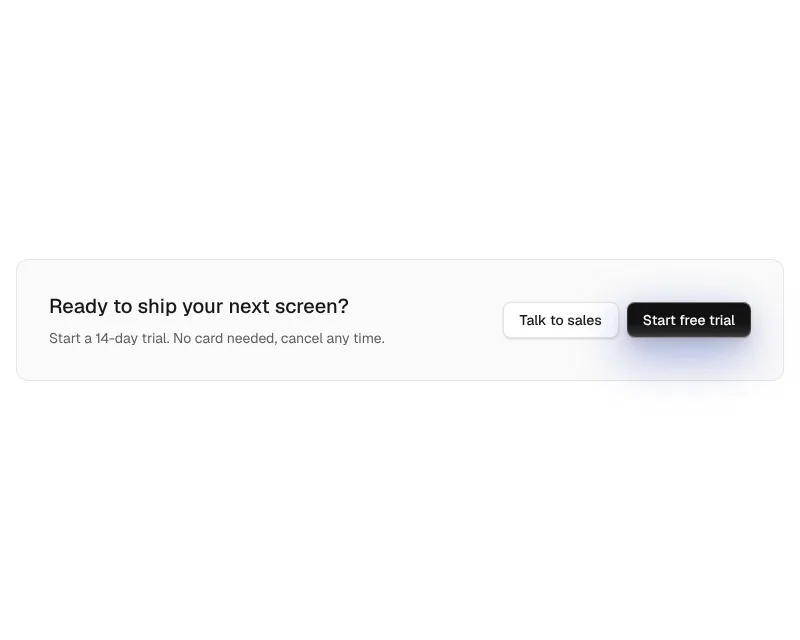
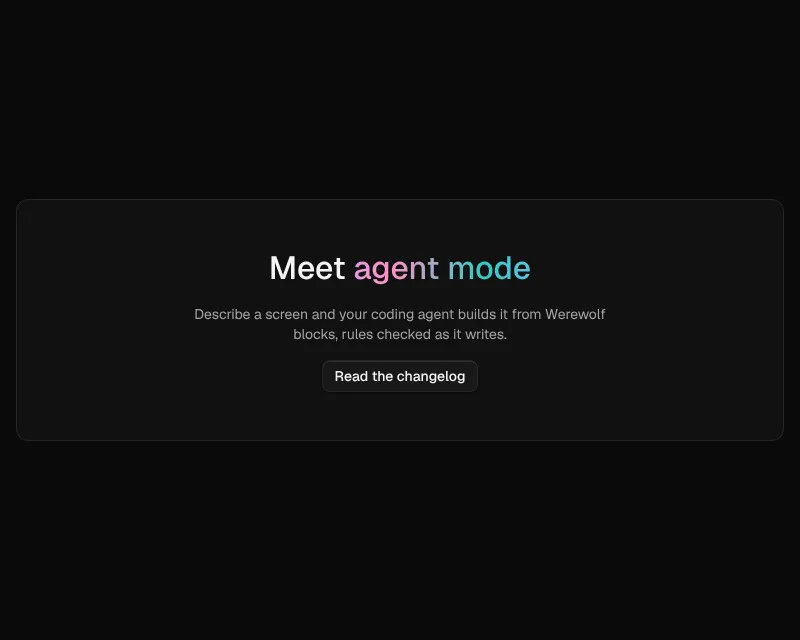
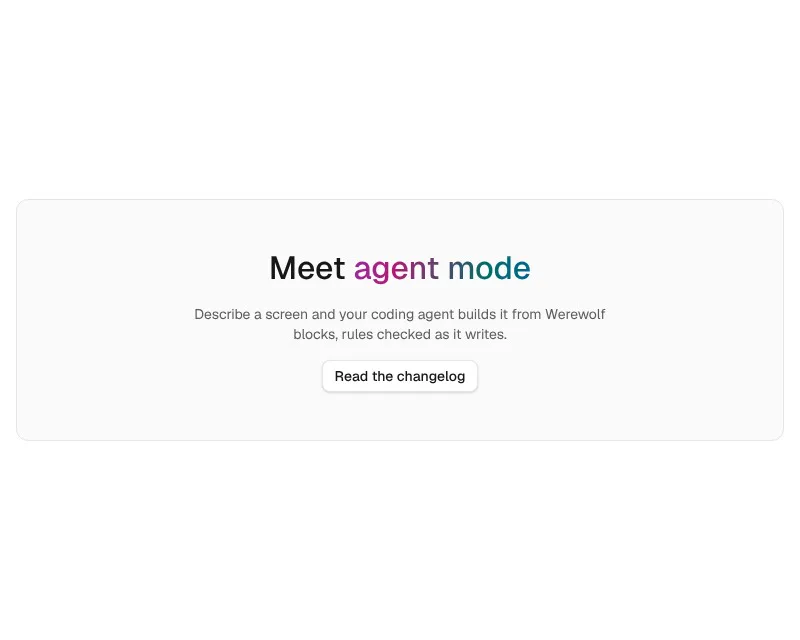
Film grain that flickers over a hero or empty state, tested against text contrast.
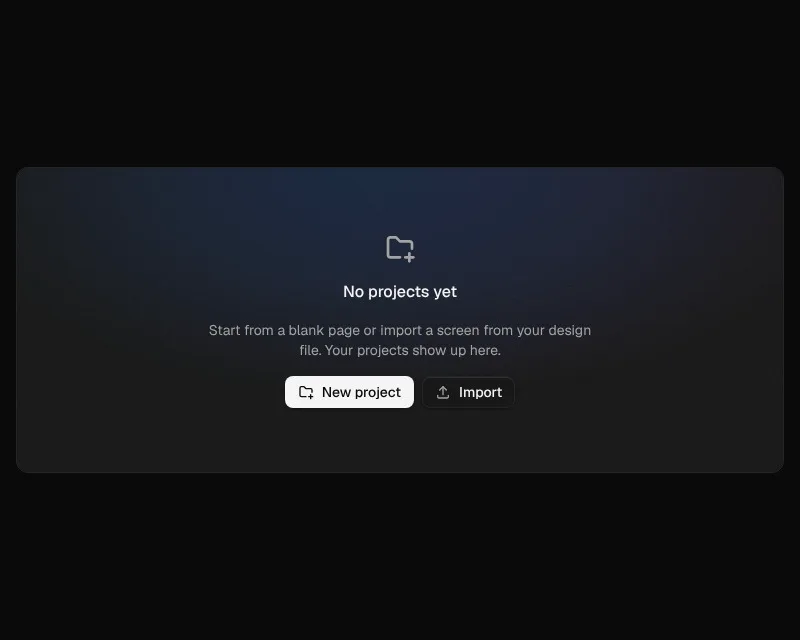
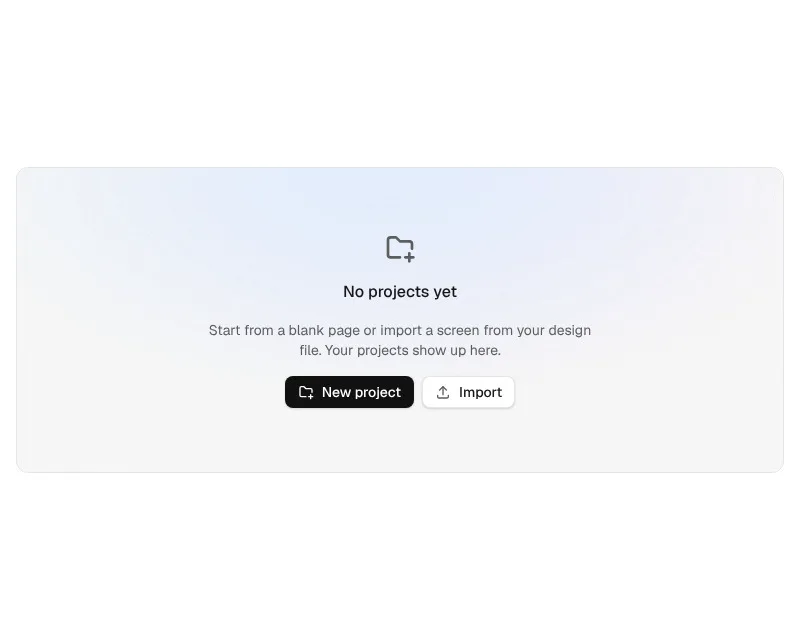
Two soft lights that drift from the top edge, or one under the pointer, on fills made to carry text.
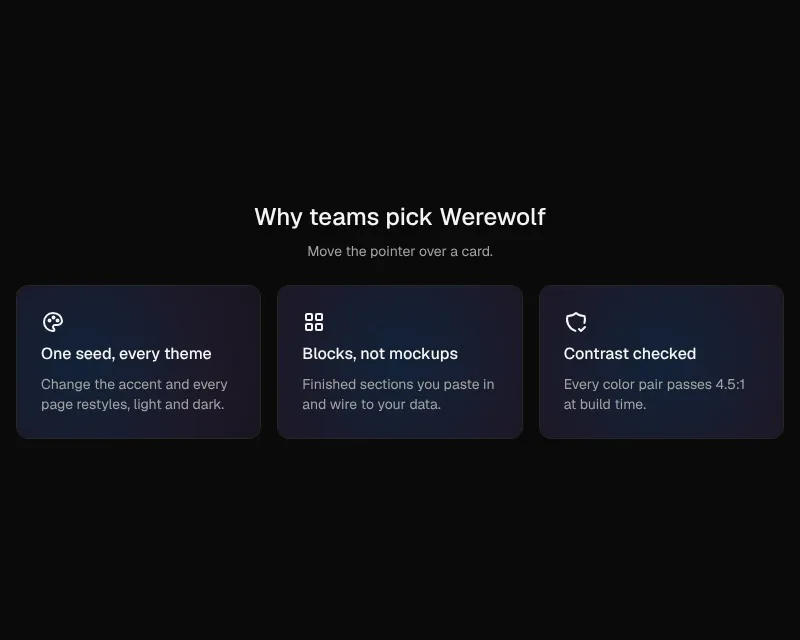
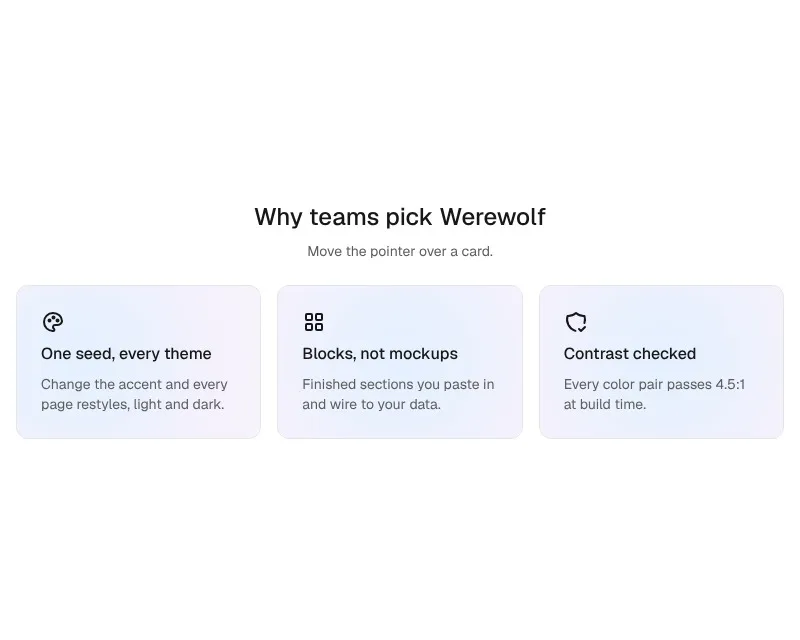
Numbers roll to their new value when a metric changes, and settle at once under reduced motion.
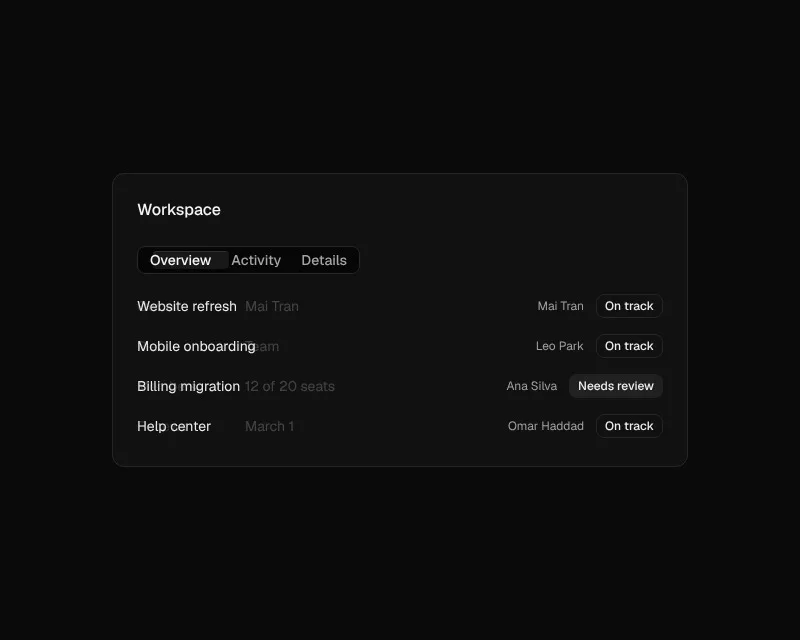
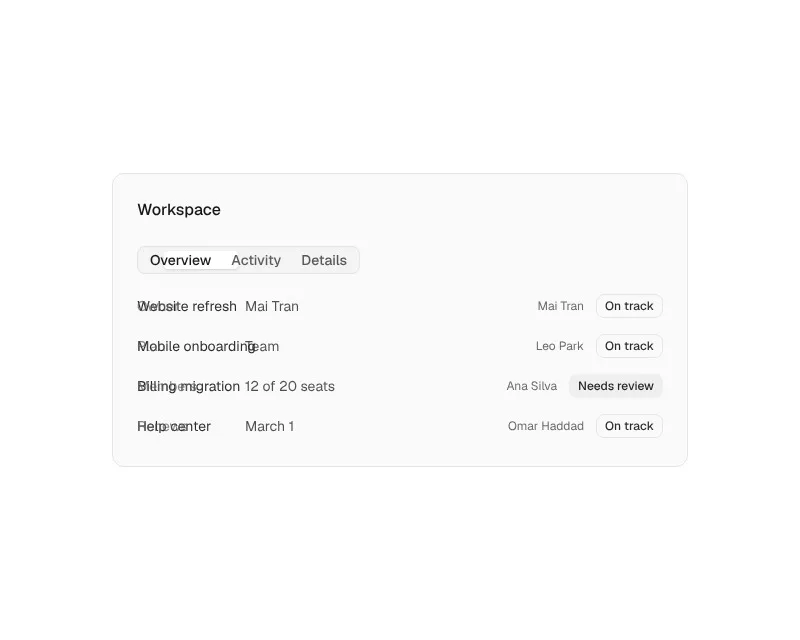
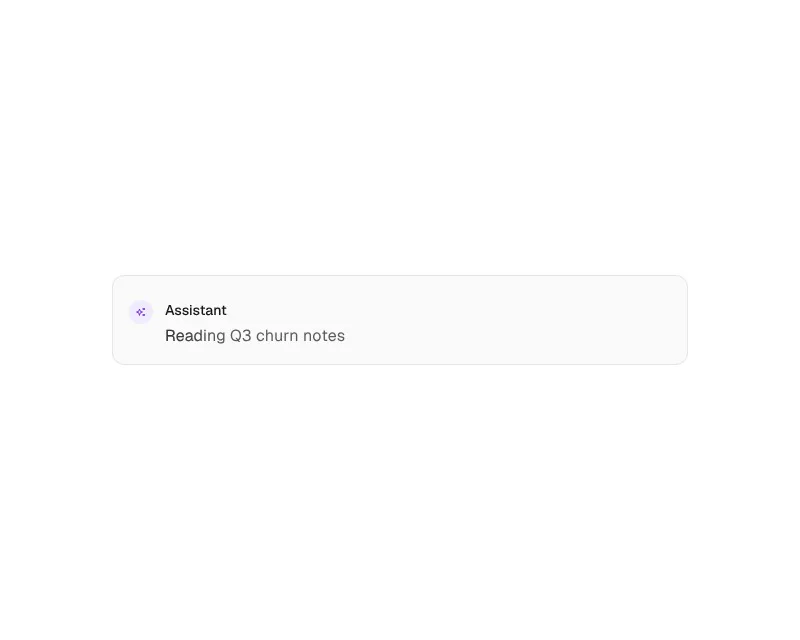
A light sweeps across a status line while an agent works, each new step rolls in character by character, and the line says it once.

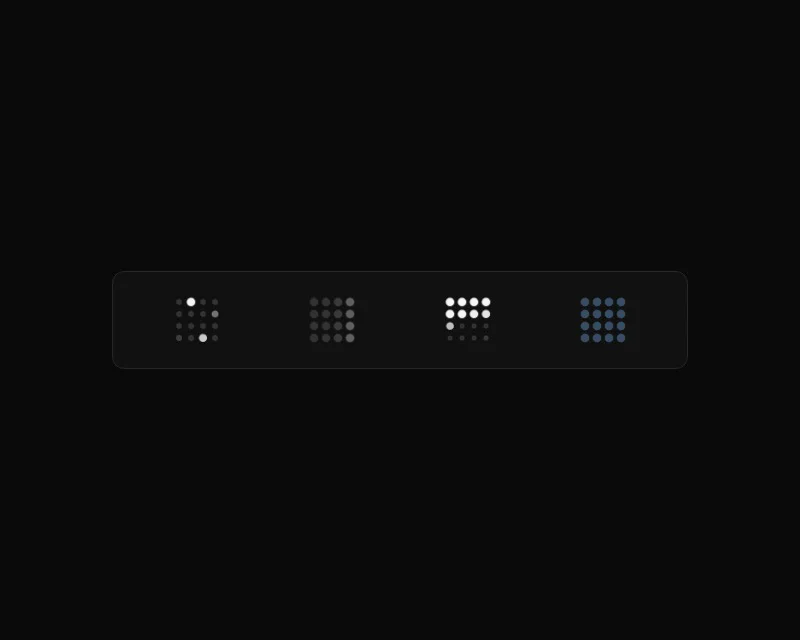
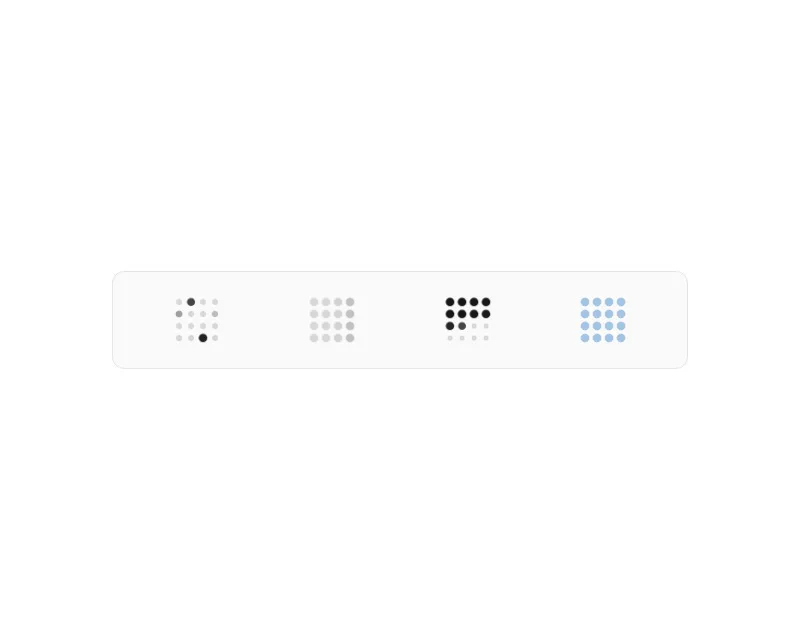
A 4 by 4 dot grid whose motion names what an agent is doing: thinking, searching, reading, writing, editing, running a tool, waiting, asking you, done or failed.
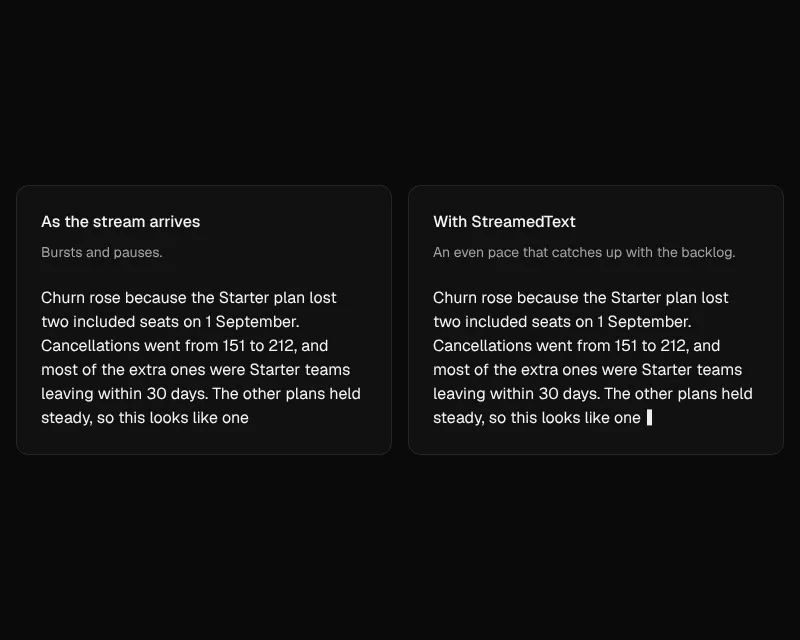
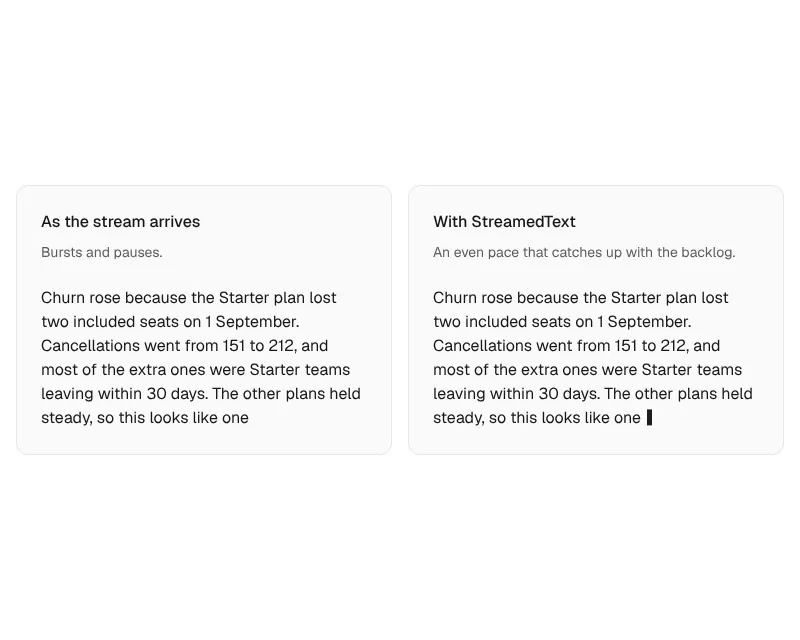
Evens out a model's bursty stream into a steady pace that catches up, with new words landing in a tint that settles.
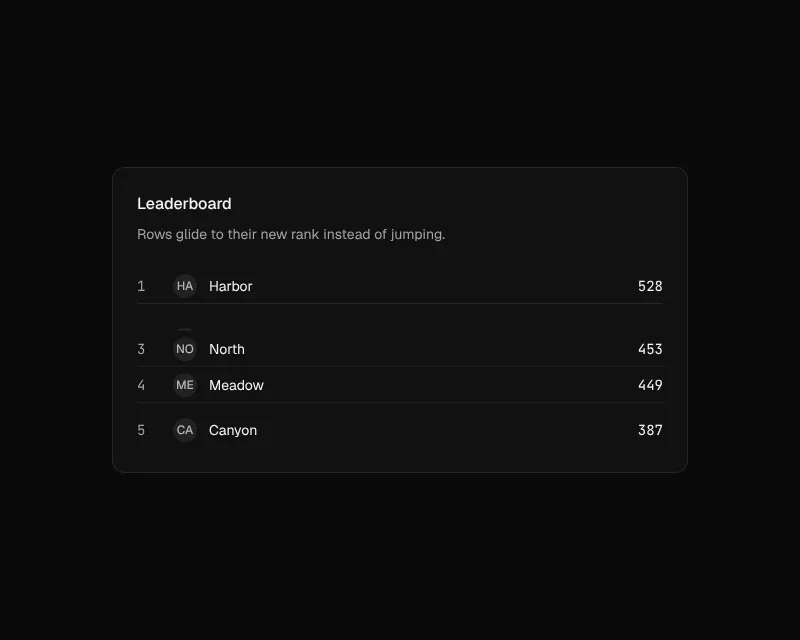
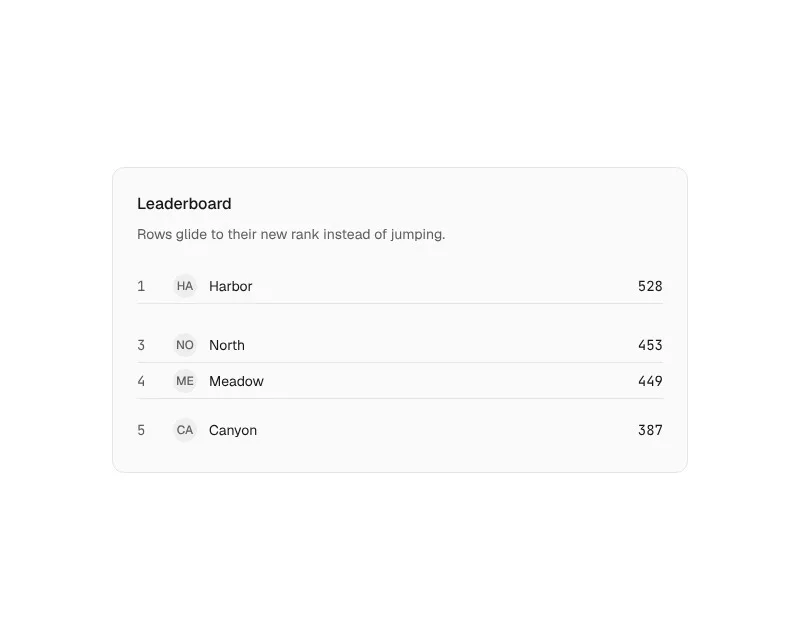
Rows glide to their new place when a list re-sorts, and new rows fade in.
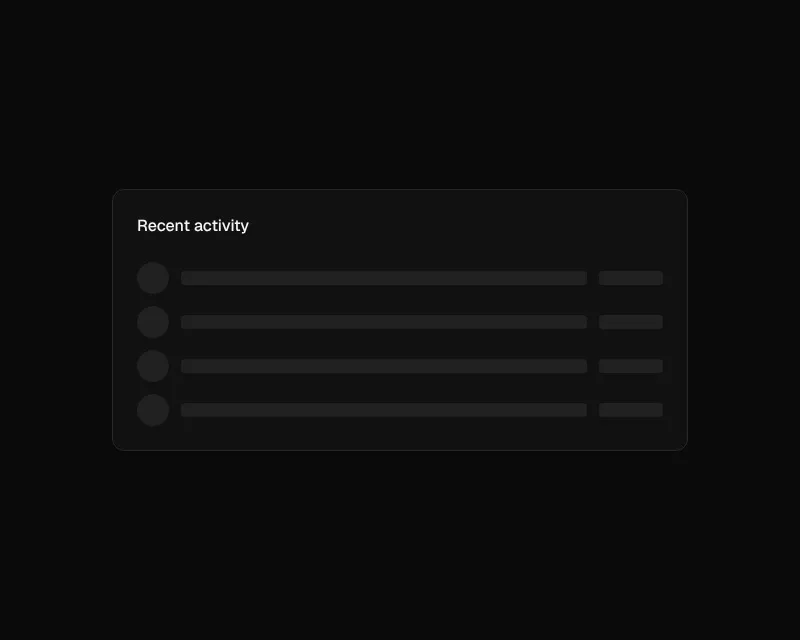
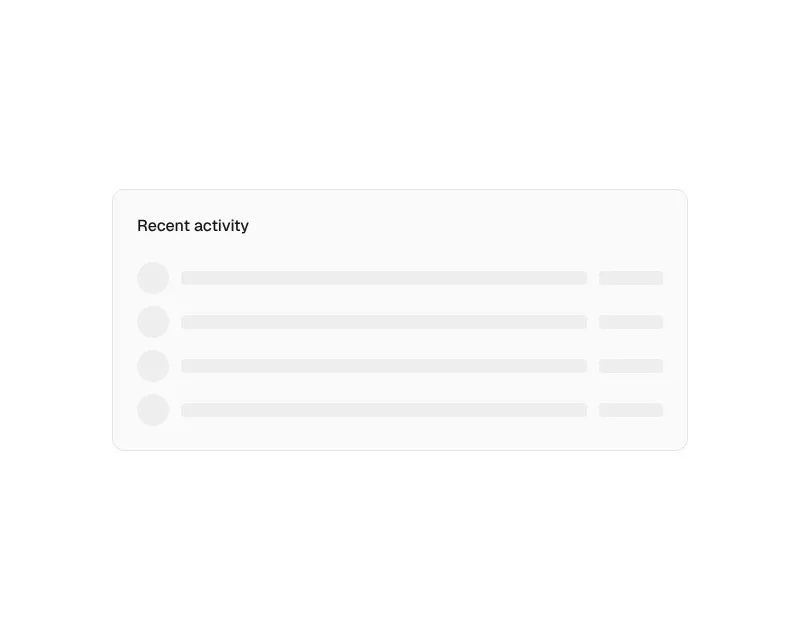
The first load shows a skeleton in the content's shape, then the content rises in where it was.
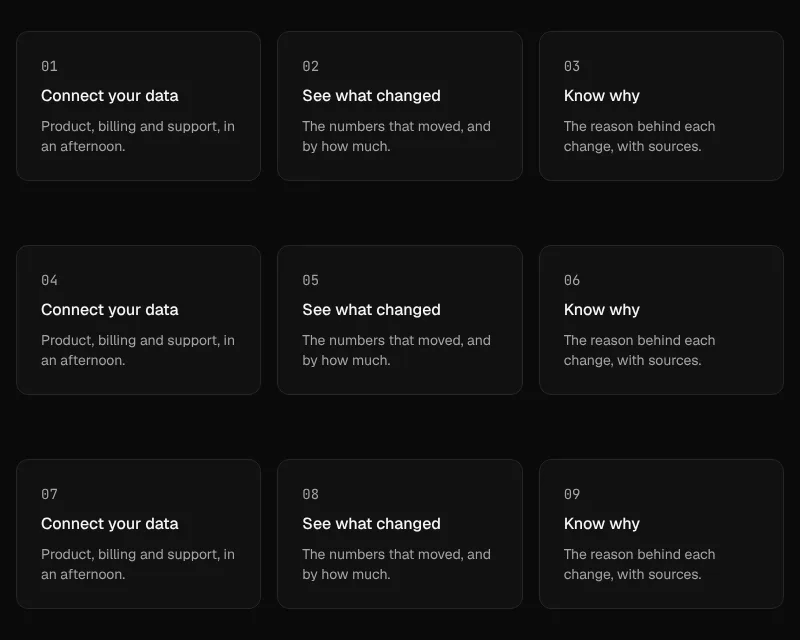
Marketing sections rise in, child after child, the first time they reach the view.
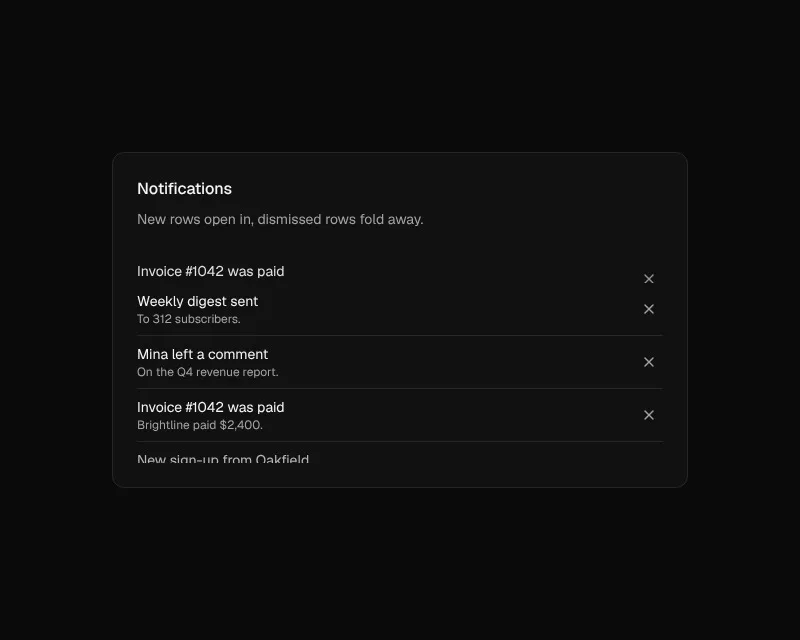
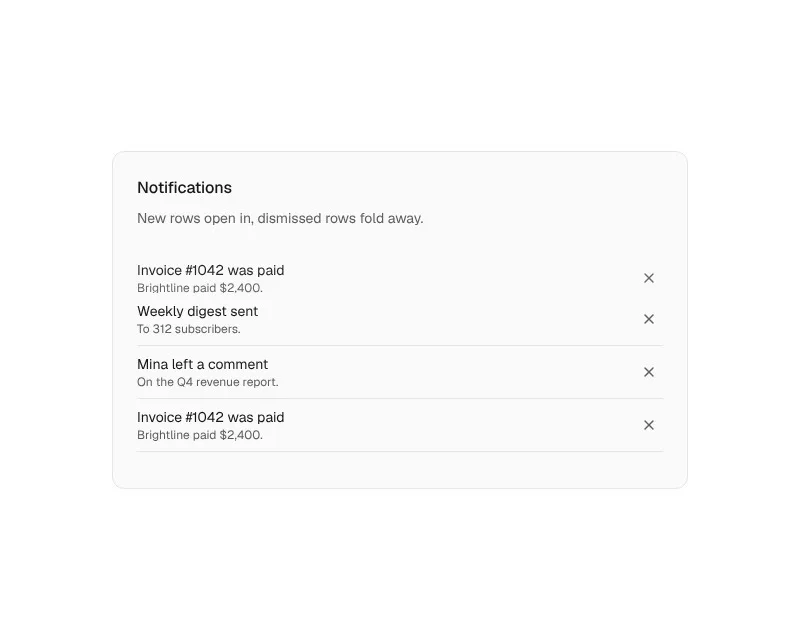
Rows open in and fold away when they arrive or leave, and the rows below slide into place. Built on Motion.
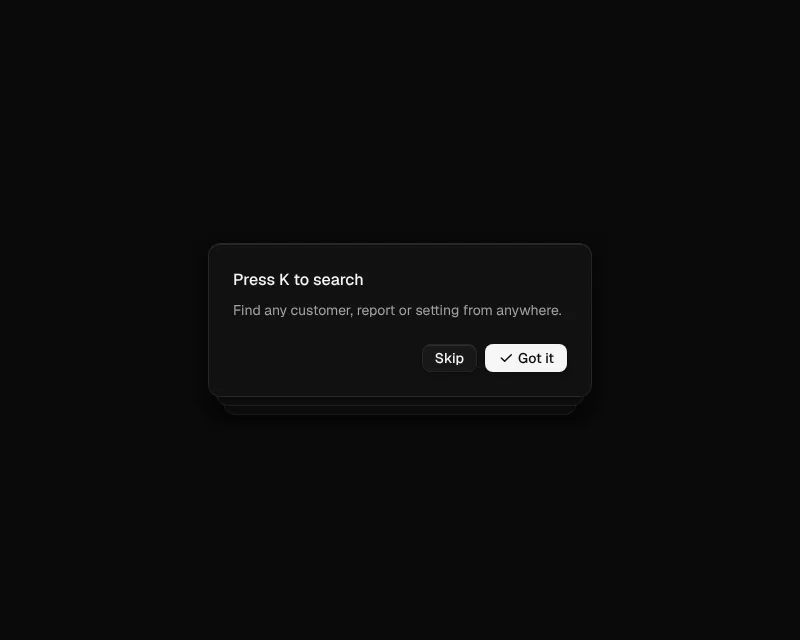
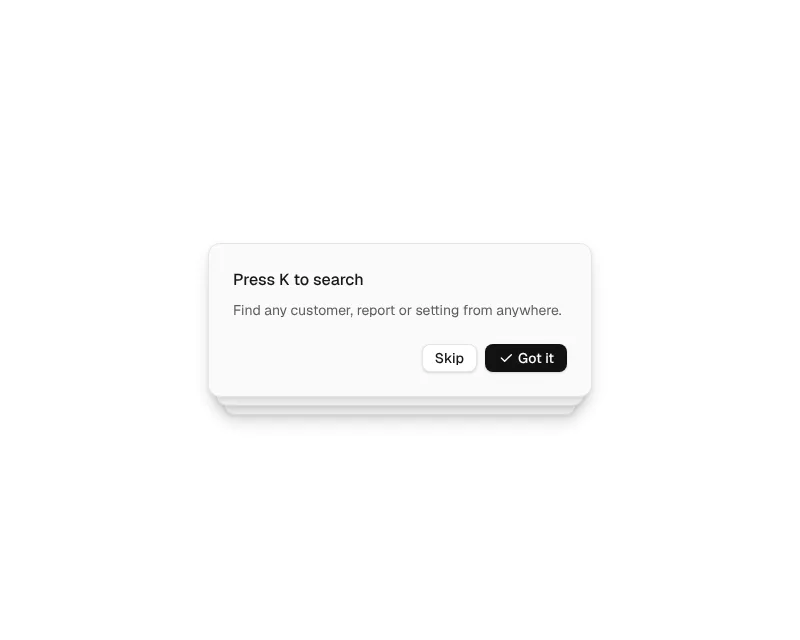
A stack of cards you throw aside with a drag or a flick, with buttons for the keyboard. Built on Motion.
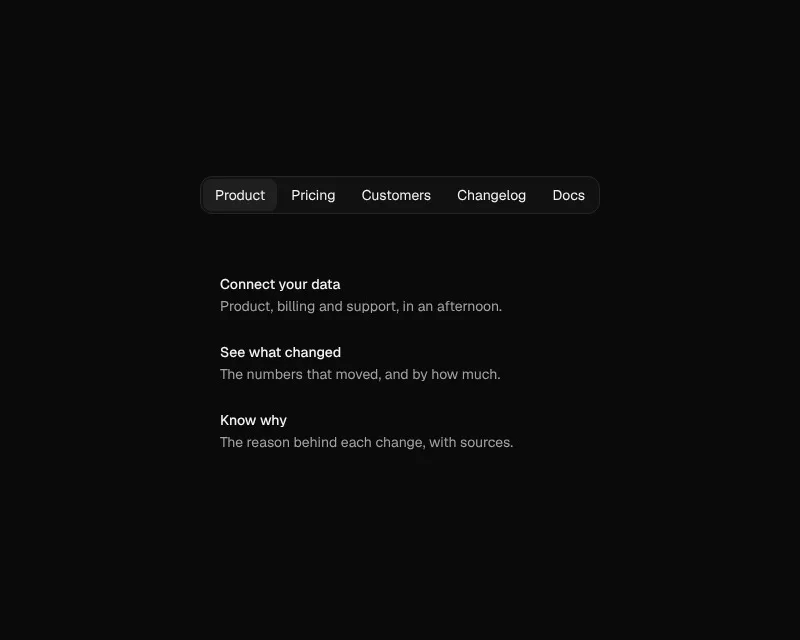
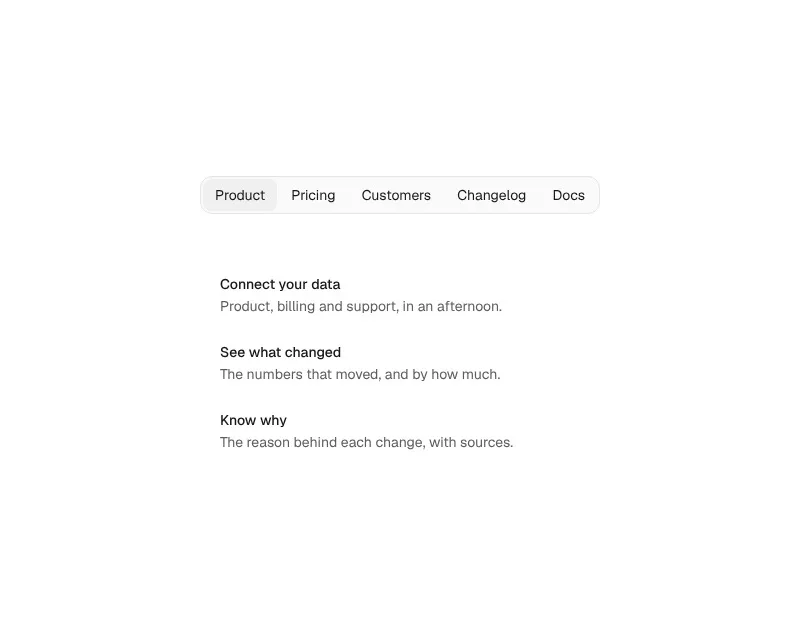
One soft highlight glides between links or options under the pointer and focus. Built on Motion.
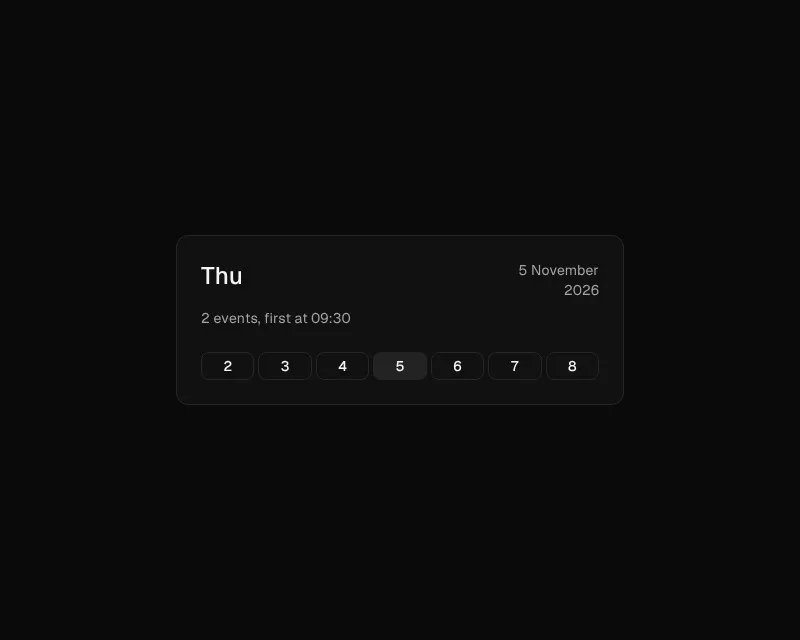
Text that changes in place rolls only the characters that changed, one after another, while each word eases to its new width. Built on Motion.
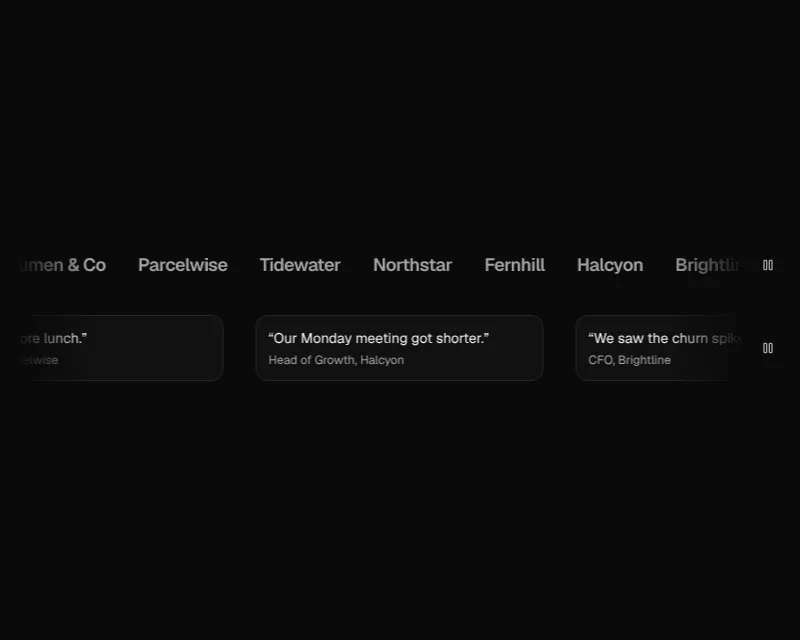
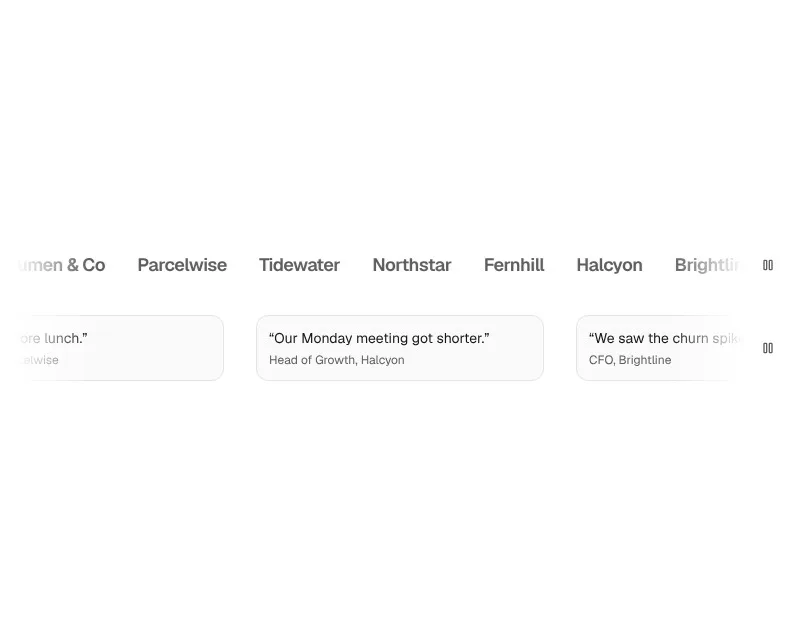
An endless row of logos or quotes that stops on hover and focus and has a pause button.